The best cybersecurity software for small business covers every laptop, phone and inbox, runs from one cloud console, and is priced per user or device so you can predict the bill. If you already use Microsoft 365, start with Microsoft Defender for Business. If phishing and cloud apps are your main exposure, look at Trend Vision One for Small Business. If ransomware keeps you awake, choose Sophos Intercept X Advanced. If recovery matters most, pick Acronis Cyber Protect Standard.
Most owners in Gauteng and the other provinces have no IT department. Vendor pages promise everything, prices hide behind "contact sales", and the products overlap. This article compares four options on what they cover, who they suit and how they are bought. Then it shows you how to choose and what to ask a provider near you.
QuikeFix supplies and implements all four as part of its managed IT and cybersecurity work. The licensing and deployment notes below reflect how these products are quoted and set up, so you can get one running without juggling separate vendors.
1. Microsoft Defender for Business
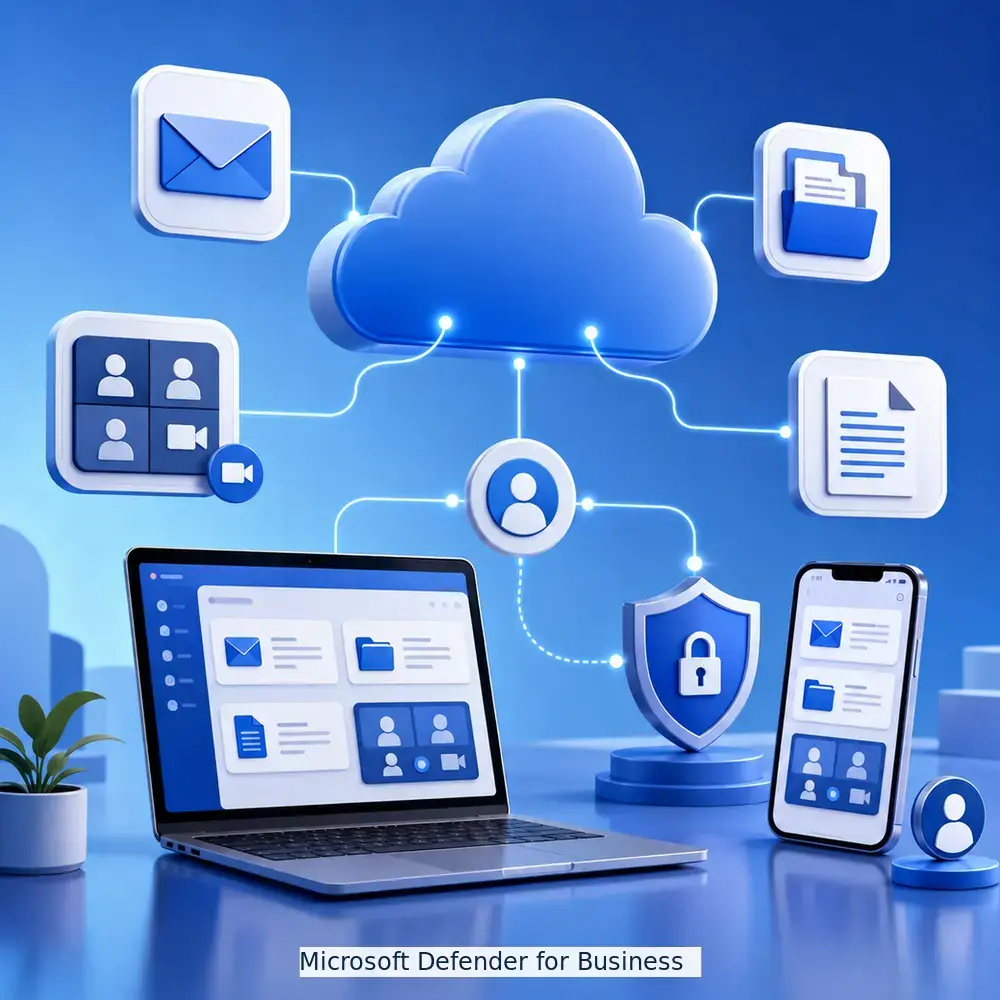
Microsoft Defender for Business is the sensible default if your team already works in Microsoft 365. Microsoft designed it for businesses of up to 300 employees, and it is the lowest-friction route to proper endpoint protection.
What it covers
It combines next-generation antivirus with endpoint detection and response and vulnerability reporting for Windows, macOS, iOS and Android devices. Automated investigation handles much of the triage that a team without a security analyst cannot staff. Defender for Business also ships inside Microsoft 365 Business Premium, so check your licence against Microsoft’s small business security plans before you pay for it twice.
- Antivirus and attack surface reduction
- Detection, investigation and automated remediation
- Reporting on device weaknesses
Who it suits and what it costs
It suits teams of up to 300 people on Microsoft 365, with a part-time IT contact or an outsourced provider. It is a weaker fit if your stack is mostly non-Microsoft, because you lose the shared admin experience.
Pricing is by quote. QuikeFix supplies and implements it according to vendor licensing and supported platforms, and the quote states the licence metric, term and support level.
If you already pay for Microsoft 365, check Defender for Business before buying anything else.
2. Trend Vision One for Small Business
Trend Vision One for Small Business is the pick when your email and cloud apps are as exposed as your laptops. Among cybersecurity solutions for small business, it is an integrated platform rather than a single endpoint agent.

What it covers
QuikeFix lists it as an integrated security platform for endpoints, cloud applications, email and risk visibility. That matters because phishing email is a common way attacks begin, and an endpoint-only tool sees them late.
- Endpoint protection
- Cloud application and email security
- One risk view across all three
Who it suits and what it costs
It suits teams that live in browsers and cloud apps, where staff handle invoices, payments or customer data by email. It also suits owners who want one risk view instead of three dashboards.
Pricing is by quote, based on edition, quantity, term, region and licence scope. Ask for the licence term and renewal conditions in writing, and have the provider agree deployment and administrator access before you order.
Choose Trend Vision One when email, not the laptop, is your weakest door.
3. Sophos Intercept X Advanced
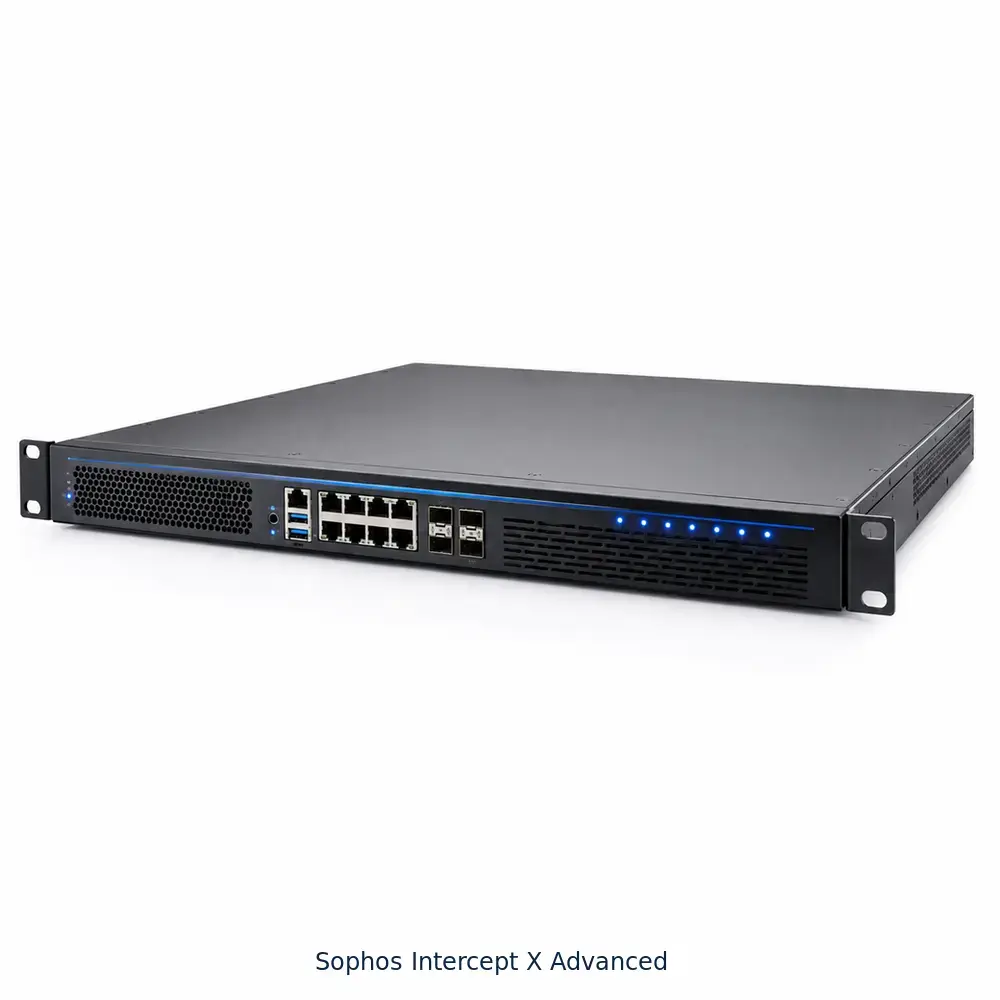
Sophos Intercept X Advanced is the stronger choice when ransomware is your biggest fear. QuikeFix files it under endpoint and network security, so it is more than antivirus alone.
What it covers
Intercept X is built around anti-ransomware and exploit prevention, and you manage it from the cloud-based Sophos Central console. Because it sits in the network security category, ask your provider how it will work alongside your firewall.
- Ransomware and exploit protection
- Cloud-managed policies for every device
- Fit with your existing network protection
Who it suits and what it costs
It suits professional firms, clinics and agencies where one encrypted file server would stop billing for days. Expect to spend time on policy setup, which is where a provider earns their fee.
Pricing is by quote. QuikeFix confirms the exact edition, entitlement and subscription term before it accepts an order, so you know what each licence covers.
Pick Sophos when ransomware is the threat you can least afford.
4. Acronis Cyber Protect Standard
Acronis Cyber Protect Standard is the right pick when recovering your data matters as much as blocking the attack. It joins backup and security in one product.

What it covers
QuikeFix lists it under backup and cyber protection. One product handles backups and malware defence instead of two tools from two vendors. A tested restore is what ends a ransomware incident, and prevention tools can fail.
- Backup you can restore from
- Protection against malware and ransomware
- One vendor and one renewal
Who it suits and what it costs
It suits businesses whose data is the product, such as accounting, legal and design practices, and anyone with no reliable backup today. It does not replace multi-factor authentication or staff training, so pair it with both.
Pricing is by quote. Backup software is often licensed by workload, capacity or data volume, so ask the quote to state which metric applies and how much storage it includes.
Security tools reduce the chance of an attack, and backup decides how much it costs you.
How to choose and buy for your business
The best cybersecurity for small business matches your biggest risk, counts users and devices correctly, and comes with a provider who answers when something breaks.
Compare the four at a glance
| Option | Main job | Best for |
|---|---|---|
| Microsoft Defender for Business | Endpoint protection with detection and response | Teams on Microsoft 365 |
| Trend Vision One for Small Business | Endpoints, cloud apps, email, risk visibility | Email and cloud-heavy teams |
| Sophos Intercept X Advanced | Endpoint and network security | Ransomware-conscious firms |
| Acronis Cyber Protect Standard | Backup plus cyber protection | Data-critical practices |
If you only need straightforward endpoint protection, QuikeFix also supplies ESET PROTECT Entry and Bitdefender GravityZone Business Security. Software alone is not a full set of cybersecurity services for small business, though. Switch on multi-factor authentication, keep tested backups off-site and train staff to spot phishing.
Count users and devices before you ask for quotes
Licensing basis changes your bill. Take a 10-person office where everyone has a laptop and a phone, plus one server:
- 10 laptops
- 10 phones
- 1 server
- Total: 10 users, but 21 devices
A per-user quote counts 10 licences and a per-device quote counts 21. Quotes only compare fairly when they use the same metric.
Compare quotes only when they count licences the same way.
What to ask a provider near you
Ask every provider the same questions before you sign:
- Do you deploy and configure the policies, or only sell the licence?
- Who monitors alerts, and what are the response times?
- How do you support offices in my province, remotely and on site?
- What does the quote exclude, such as tax, installation or professional services?
- How are renewals and admin access handled when staff leave?
QuikeFix serves businesses in Gauteng, KwaZulu-Natal, the Western Cape and other provinces. It follows a structured process of discovery, design, implementation and ongoing support.
Picking your first security tool
Start with your biggest risk. Defender for Business suits Microsoft 365 teams, Trend Vision One covers email and cloud apps, Sophos Intercept X Advanced targets ransomware, and Acronis Cyber Protect Standard puts recovery first. Count your users and devices, ask for quotes that use the same licence metric, and add multi-factor authentication and tested backups whichever product you choose.
You do not have to work out the licensing alone. If you want a shortlist matched to your team, request a consultation and quote from QuikeFix and share your user count, devices and current environment.