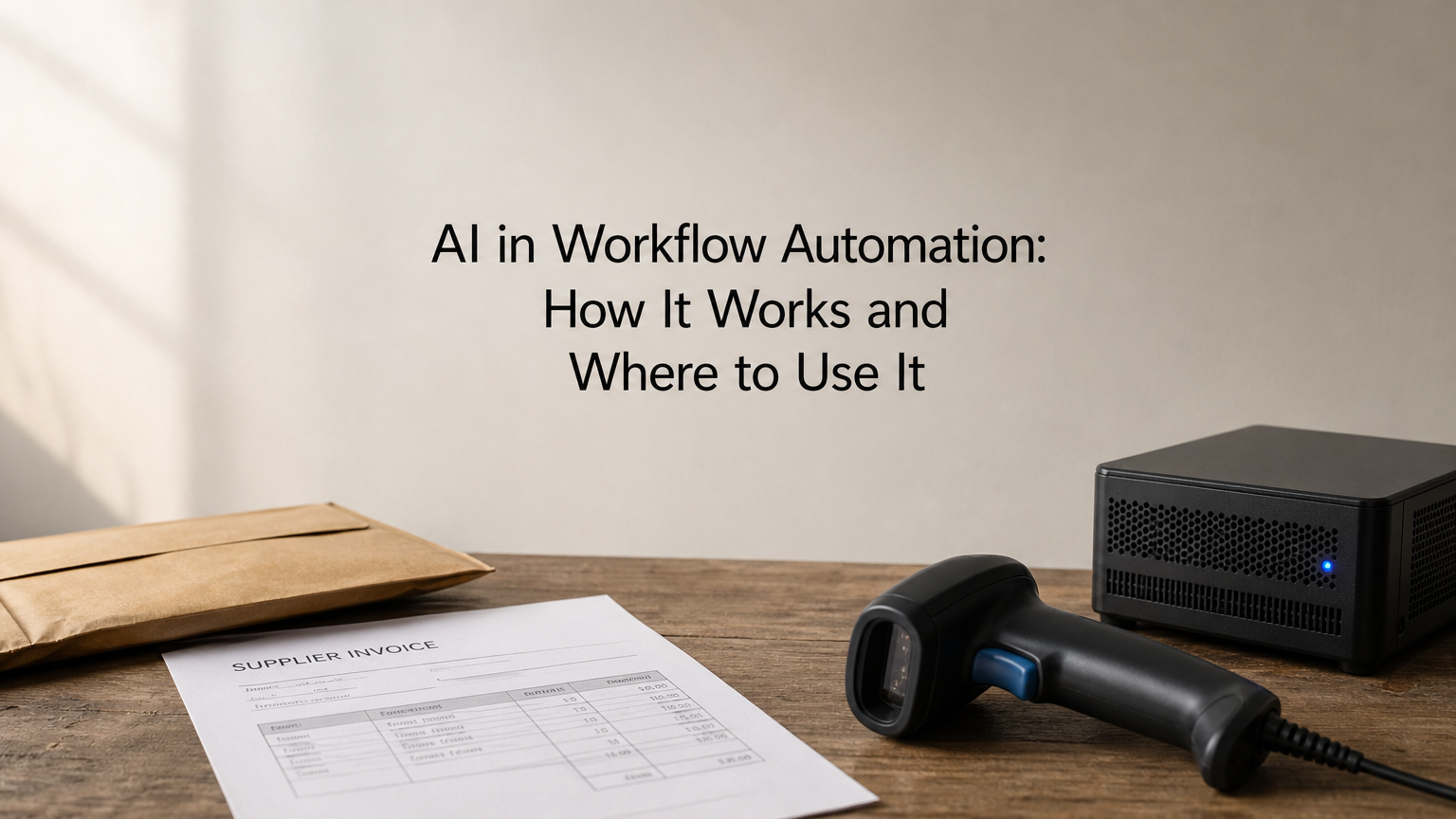
AI in workflow automation means adding machine learning or a language model to an automated process, so the process can read messy input, make judgment calls and improve as you refine it. A classic automation copies a form entry into a spreadsheet. An AI-driven one reads a supplier email, works out what it asks for, and routes it to the right person with a draft reply.
The difference matters because most business information does not arrive in tidy fields. Invoices come as PDFs, customer requests come as free text, and rule-based tools stall on both. AI handles the interpretation, and ordinary automation handles the movement of data between your systems.
This guide covers why it matters, how to apply it step by step, which use cases work in practice, which tools and services you can choose from, and where it goes wrong. QuikeFix delivers workflow automation and integrations for businesses, so the focus is on the decisions you need to make before a project starts.
Why AI in workflow automation matters
AI in workflow automation matters because most business work arrives as messy information, and fixed rules cannot interpret it. Emails, scanned PDFs and free-text requests need a reader before the next step can run, and AI supplies that reader.
Where rule-based automation stops
A rule-based workflow does exactly what you wrote and nothing more. It works when the input is a clean form field, and it breaks on exceptions, such as a supplier who puts the amount in the email body. AI-driven workflow automation adds a step that can classify, extract and summarize before the rule-based steps take over.
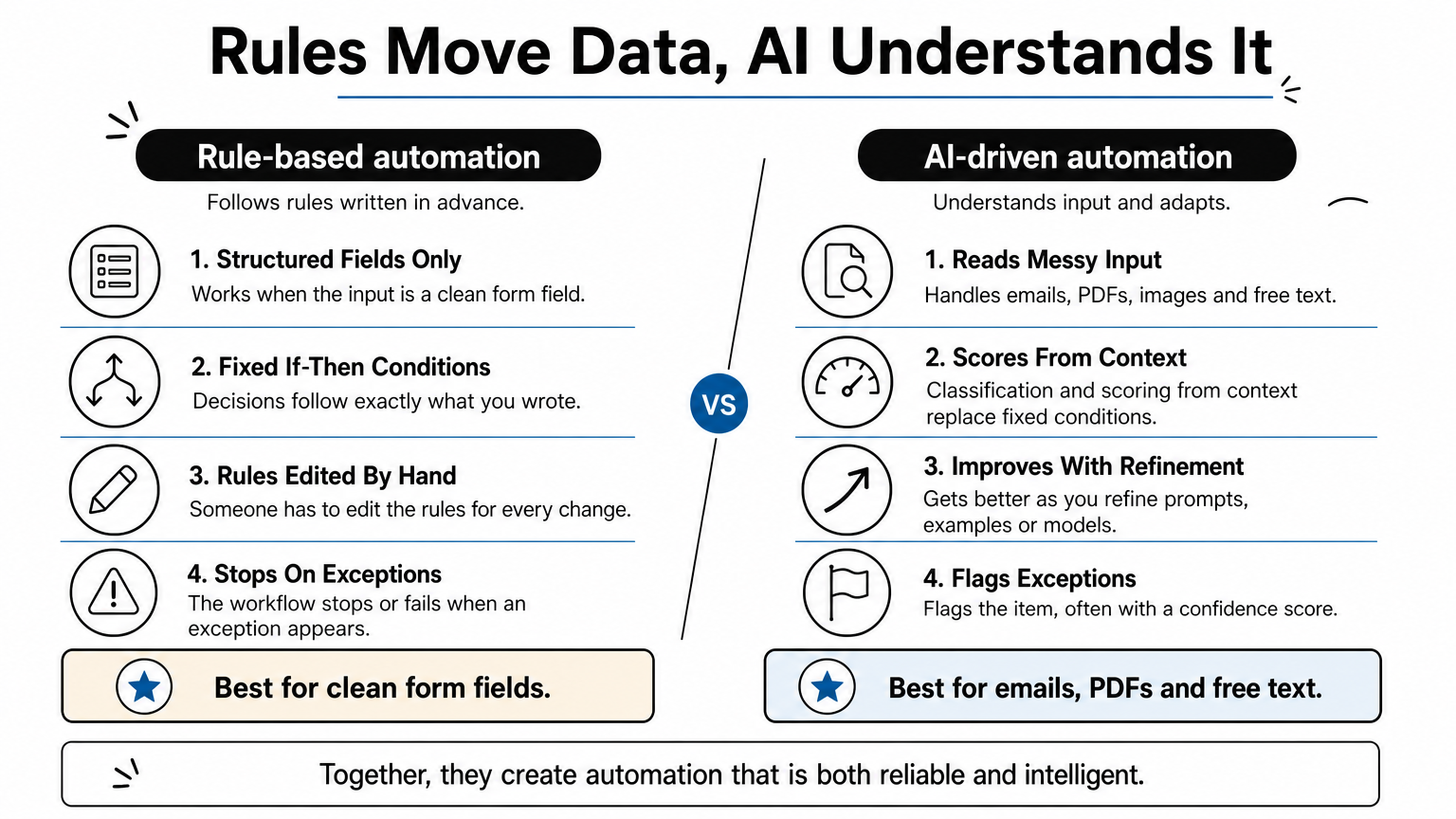
| Aspect | Rule-based automation | AI-driven automation |
|---|---|---|
| Input | Structured fields | Emails, PDFs, images, free text |
| Decisions | Fixed if-then conditions | Classification and scoring from context |
| Changes | Someone edits the rules | Improves as you refine prompts, examples or models |
| Exceptions | Stops or fails | Flags the item, often with a confidence score |
Rules move data, AI understands it, and the best workflows use both.
What you gain
The gains are time, accuracy and speed. Take an illustrative case: a finance team handles 200 supplier invoices a month at 6 minutes each, which is 20 hours. If AI extracts the fields and a person only checks them in 1.5 minutes, the work takes 5 hours, so you recover 15 hours a month.
Faster responses and fewer keying errors follow, and the process scales without more headcount. Your own figures depend on document quality and how much review you keep.
How to apply AI in workflow automation
Apply it by adding AI to one step of one workflow, measuring the result, and only then widening the scope. Large rollouts fail because nobody can tell which part worked.
Start with a single workflow
Choose a process that is high volume, repetitive and has one text-heavy step. Then work through this list:
- Map the workflow from trigger to final outcome.
- Mark the one step that needs reading or judgment.
- Set a baseline: minutes per item and error rate today.
- Add the AI model at that step only, and keep the other steps rule-based.
- Set a confidence threshold below which a person reviews the item.
- Pilot on real data for a few weeks before rolling out.
Add AI to the single step that needs judgment, not to the whole process.
Review, measure and expand
During the pilot, compare AI output with human output on the same items. Track the share that passes without edits. Where the model fails, add examples or tighten the instructions.
Once the pass rate is stable, expand to the next workflow. You can reuse the connections, review rules and measurements you already built.
Practical use cases for AI-driven workflow automation
The best use cases pair a clear trigger with an AI step that reads, scores or summarizes, then hand a prepared result to a person or system.
Five common patterns
Most successful projects fit one of the patterns below. Each has a trigger you can detect and a result a person can check quickly.
| Area | Trigger | AI step | Result |
|---|---|---|---|
| Finance | Supplier invoice arrives by email | Extract fields, match to order | Draft entry for approval |
| Support | New ticket | Classify topic and urgency | Routed ticket with suggested reply |
| Sales | Lead form submitted | Score using engagement and company data | Prioritized list for reps |
| HR | CV received | Summarize and match to role | Shortlist for the recruiter |
| Logistics | Shipping documents received | Read consignee, container and goods details | Pre-filled job record |
Logistics and operations in practice
Freight and warehouse teams live on documents: commercial invoices, packing lists, bills of lading and delivery notes. An AI step can read these and pre-fill a job record, while a person confirms tariff codes and values before anything goes to customs.

The same pattern suits invoice reconciliation. AI matches a vendor invoice to the job and flags differences between estimated and actual cost for a finance clerk. In both cases the AI prepares and a human approves.
Let AI prepare the work and let a person approve anything that carries money or compliance risk.
Tools and services for AI workflow automation
You have two routes: build with a workflow platform yourself, or hire a provider who designs and runs the automation. Many businesses start with the first and bring in the second when their systems get complicated.
Choosing a workflow platform
Platforms such as Zapier, Make and n8n connect your apps and let you call an AI model in the middle of a flow. Zapier and Make are hosted and quick to start, while n8n can be self-hosted, which matters when data must stay on a server you control. Compare platforms on these points:
- Integrations with the systems you actually use, such as ERP, accounting and email
- Self-hosting options and where data is processed
- Pricing model, whether per task or per run
- Skill needed to build and maintain flows
- Error handling and logging
Pick the platform that fits your systems and data rules, not the one with the longest app list.
When AI workflow automation services make sense
A service makes sense when the workflow touches your ERP, needs custom APIs, or handles sensitive data. QuikeFix offers n8n workflow automation, business process automation and API integration development. It confirms scope and pricing in a consultation, because they depend on your users, systems and desired outcome.

Delivery follows four stages: Discover, Design, Implement, and Support and improve. QuikeFix does not promise a fixed saving, because results depend on process design, data quality and adoption. Be wary of any provider that does.
Risks and limits to plan for
AI makes mistakes, so every AI workflow needs review points and clear limits before launch.
Accuracy and oversight
Language models can produce confident but wrong output. Keep a person in the loop wherever money, compliance or customer messages are involved, and log every AI decision so you can audit it later.
Start with the AI suggesting and a human approving. Relax review only when the error rate stays low over a meaningful number of items.
If you would not let a new hire do it unsupervised, do not let a model do it unsupervised.
Data and privacy
Check where your data goes. Sending customer or employee details to an external model can have POPIA implications in South Africa, so confirm what the provider stores and where it processes data. Self-hosting the workflow engine or masking personal fields are common answers.
Remember too that data quality sets the ceiling. A messy source system produces messy automation, however good the model is.
Start small and measure
AI in workflow automation adds a reader and a decision-maker to the rule-based flows you already run. It pays off where input is messy, volume is high and a person can check the result. Start with one workflow, set a baseline, add AI at one step, and expand once the numbers hold.
If you want help scoping that first workflow, talk to QuikeFix about workflow automation and bring your process, your systems and the number of users involved.