Windows server dedicated hosting makes sense when you need full control of the hardware, steady performance and local support for workloads like SQL Server, Remote Desktop or line-of-business software. A good pick publishes its hardware and price, says clearly how Windows is licensed, and hosts in South Africa. Our four picks are QuikeFix for the widest published hardware range and hands-on consultation, Rackzar for a low entry price, Hodi for managed servers in its own Tier III data centers, and Absolute Hosting for a Windows VPS when a full server is overkill.
Most provider pages show cores and RAM but skip what actually decides your bill: the Windows license, client access licenses, data center location and support terms. That makes comparing hard. This article sets out what each provider publishes, flags what you must confirm before paying, and ends with a checklist you can use with any vendor.
We run QuikeFix, so we list it first and say plainly where its details need confirming. Prices are listed rates, and rand figures can move with the exchange rate, so treat them as a starting point for a quote.
1. QuikeFix dedicated servers
Features and support
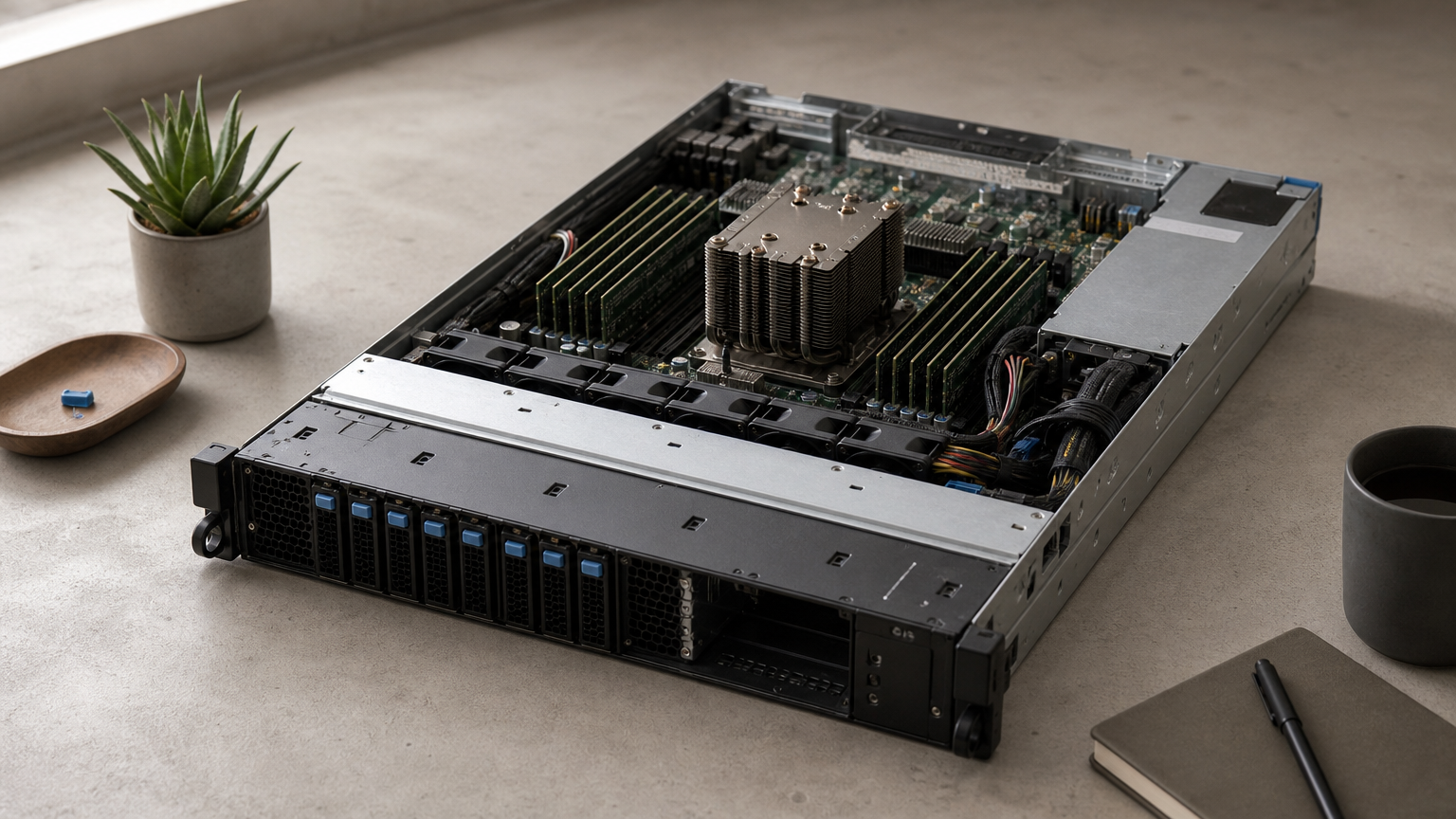
QuikeFix lists seven dedicated server configurations, from a 4-core Xeon to a dual-EPYC 128-core build, all ordered through its hosting portal. Beyond the hardware, you can add managed IT such as server administration, Microsoft services, backup planning and help desk support.
- Intel Xeon and AMD EPYC options with HDD, SSD or NVMe storage
- A custom build of up to 128 cores and 1TB RAM
- Consultations and infrastructure quotations before you commit
Windows is not assumed. Confirm the Windows Server edition and license during the consultation, along with the management level, backups, IP addresses, data center location and provisioning time.
A dedicated server is only as useful as the Windows license, backups and support wrapped around it.
Pricing and who it suits
The table shows the portal’s listed prices. They are indicative rand conversions of USD prices at USD 1 = ZAR 16.52, and the live billing portal sets the final price and billing cycle.
| Model | Cores and RAM | Storage and bandwidth | Listed price |
|---|---|---|---|
| Xeon E3-1270 | 4 cores at 3.5GHz, 16GB | 2 x 1TB HDD, 10TB | R1,486.63 |
| Xeon E5-2670 | 8 cores at 2.6GHz, 128GB | 2 x 2TB HDD, 20TB | R2,477.83 |
| Xeon Gold 6130 | 16 cores at 2.1GHz, 192GB | 4 x 1TB SSD, 40TB | R2,808.23 |
| EPYC 7302P | 16 cores at 3.0GHz, 128GB | 2 x 2TB NVMe, unmetered | R3,303.83 |
| EPYC 7742 | 64 cores at 2.25GHz, 256GB | 2 x 4TB NVMe, unmetered | R4,129.83 |
| Dual EPYC 7742 | 128 cores at 2.25GHz, 512GB | 4 x 4TB NVMe, unmetered | R5,781.83 |
| Custom build | Up to 128 cores, up to 1TB | Custom | R6,607.83 |
Tax, setup fees and optional Windows licenses may come on top. It suits South African SMEs that want hosting and managed IT from one vendor. A 20-person practice running SQL Server and Remote Desktop could pick the Xeon Gold 6130. At R2,808.23 it costs R1,321.60 more than the E3-1270, but it brings 192GB of RAM and SSD storage.
2. Rackzar
Features and support
Rackzar advertises dedicated servers from R1,499 per month alongside enterprise VPS from R99 per month. Its listing highlights NVMe storage, 24/7 local support and 99.9% uptime.
- NVMe storage
- Round-the-clock support from a local team
- A 99.9% uptime figure to check against the written SLA
The listing does not say how Windows is licensed. Ask whether a Windows Server license is offered, which versions, and whether it is billed monthly or bought separately.
A low entry price means little until the Windows license is on the quote.
Pricing and who it suits
The R1,499 figure is the starting price, so the server you actually need may cost more. Get a written quote that lists the server, the Windows license, any remote desktop licensing and setup fees as separate lines.
It suits cost-conscious teams that already know their specification, such as an IT manager moving a file server or a small application server. If you want help sizing the machine, ask what the 24/7 support covers before you order.
3. Hodi
Features and support
Hodi offers managed dedicated servers in South Africa from its own Tier III data centers, with geo-redundancy and support in under two hours. Its listing is based in Cape Town, and it claims hosting locally is four times faster than hosting in Europe.
- Managed service, so Hodi handles more of the server administration
- Geo-redundancy, meaning your data can sit in more than one location
- A stated support response of under two hours
Cape Town is more than 1,000 km from Gauteng. Latency inside South Africa is still low, but test response times from your office before committing. Also ask which Windows Server versions the managed service covers.
Managed hosting trades some control for fewer 2 a.m. calls.
Pricing and who it suits
Hodi does not show a price in its listing, so request a quote that spells out what "managed" includes. Compare it with an unmanaged server plus a support contract, because that is the real alternative.
It suits organizations without in-house server skills that want redundancy and a fast support response. Examples are a finance team running accounting software or a company hosting customer-facing applications. If your team can already administer Windows Server, an unmanaged plan will likely cost less.
4. Absolute Hosting Windows VPS
Features and support
Absolute Hosting is the one virtual server on this list, not a dedicated machine. Its Windows VPS offers Windows Server 2025, 2022 or 2019, instant setup, a managed firewall and AMD EPYC Turin processors, hosted in South Africa.
- Choice of three Windows Server versions
- Managed firewall included
- Instant setup, so you can test before committing
You share physical hardware with other customers. For a small application, a few remote desktop users or a staging environment, that is usually fine. Check the CPU and RAM allocation on your plan, because shared hosts differ in how they guarantee resources.
If a VPS covers your load today, you can upgrade to dedicated hardware when you outgrow it.
Pricing and who it suits
Plans start from R296 per month. That is a fraction of dedicated pricing, so a VPS works as a stepping stone. Move to a dedicated Windows server when CPU or RAM sit near their limits during the working day, or when a compliance requirement calls for isolated hardware.
It suits small businesses, developers and teams testing a migration. It does not suit heavy databases or workloads that need dedicated disks and guaranteed capacity.
How to choose a Windows dedicated server
Windows licensing and core counts
Windows Server is licensed by core, with a minimum of 16 core licenses per server, and you also need client access licenses for your users or devices. Remote Desktop users need Remote Desktop licensing on top. Many providers rent the license monthly, so ask for it as a separate line on the quote.
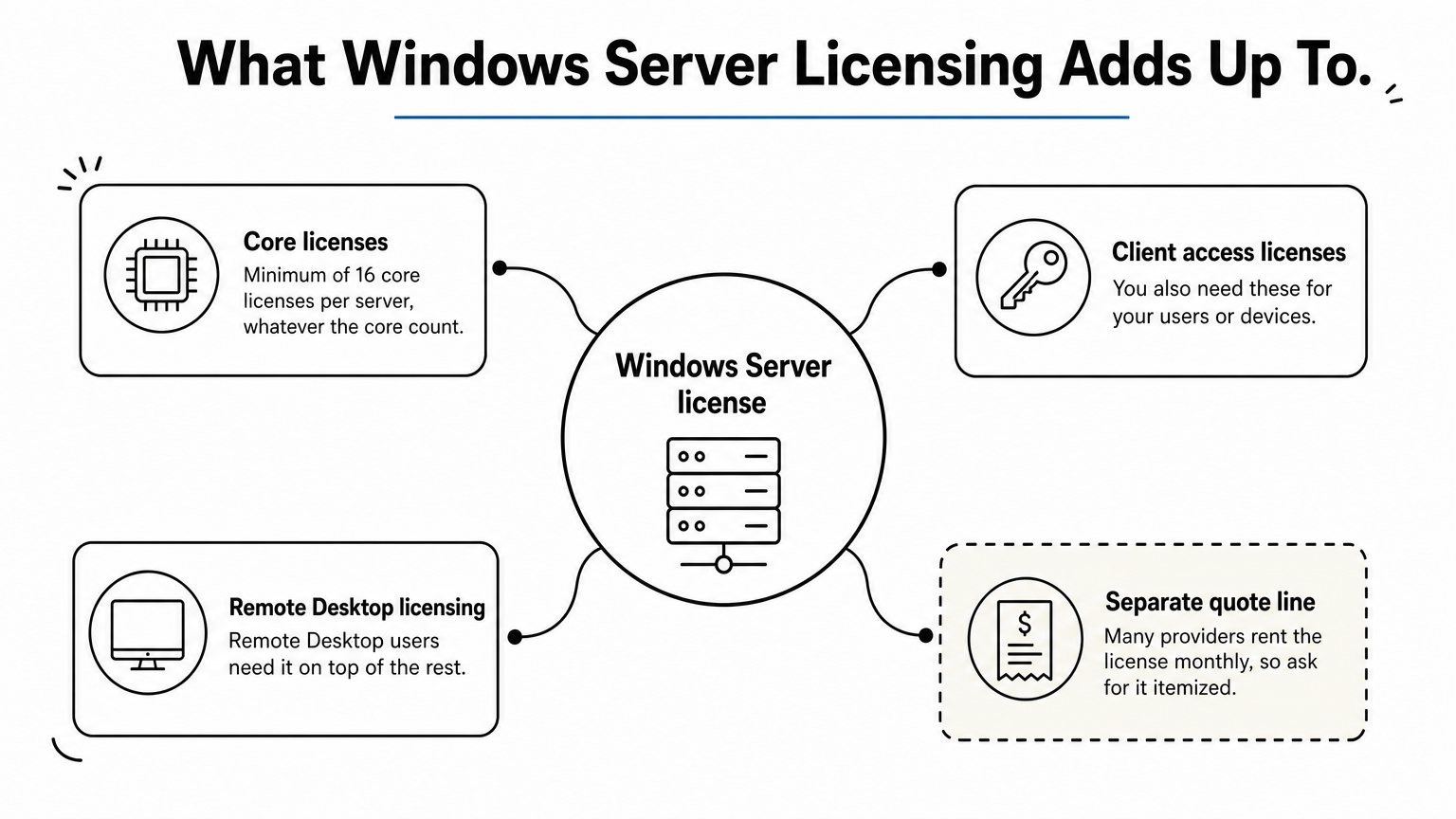
This changes how you size. A 4-core server still needs 16 core licenses, so the 16-core machines in the QuikeFix range cost the same to license as the smallest one. At the other extreme, 128 cores means 128 core licenses, so do not buy cores you will not use. Pick Windows Server 2022 or 2025 so you stay within Microsoft’s support window for years.
Size the server to your workload, then price the licenses for that exact core count.
Support, location and what to ask before paying
For Gauteng buyers, a South African data center keeps latency low and your data under local jurisdiction. Ask for the exact facility, its power backup arrangements and the support hours. Written response targets matter more than an uptime percentage on a sales page.
Before you pay, get these answers in writing:
- Which Windows Server version and edition is included, and who bills the license
- How many client access licenses and remote desktop licenses your users need
- Whether backups are included, where they are stored and how restores work
- How long provisioning takes and whether migration help is offered
- The support hours, response targets and how to escalate an outage
- The exact monthly total, with tax, setup fees and any exchange-rate exposure
Picking your Windows server
Start with your workload, then match the provider. QuikeFix suits businesses that want a wide hardware range plus managed IT, Rackzar suits tight budgets, Hodi suits teams that want managed redundancy, and Absolute Hosting suits small workloads that do not need a full server yet. Whichever you choose, price the Windows license and the support terms, not only the hardware.
If you want a second opinion on sizing, licensing or migration, talk to QuikeFix about a dedicated Windows server and we will review your configuration and quote it for you.