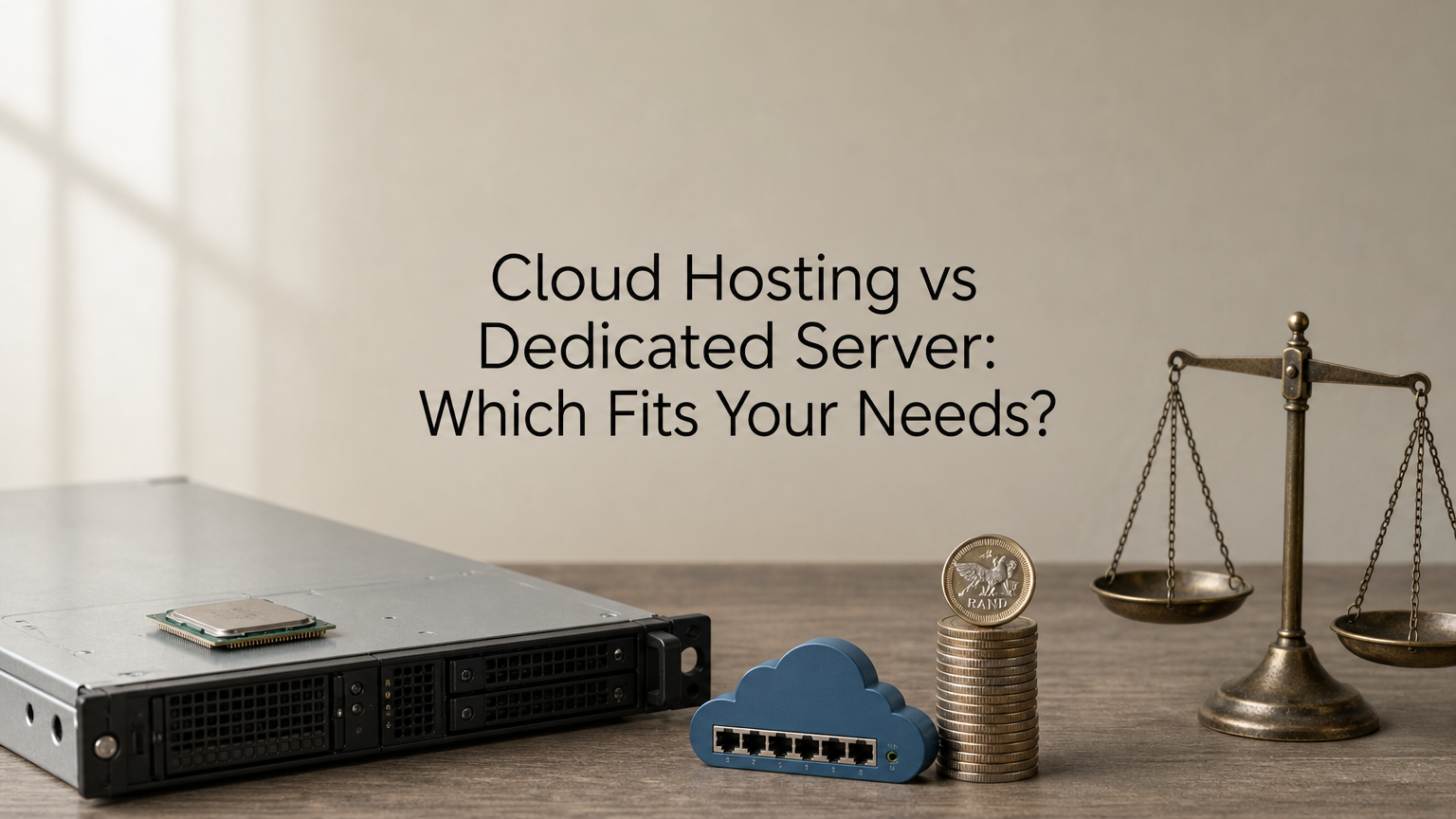
The cloud hosting dedicated server decision comes down to one question: do you need flexible capacity, or a whole machine that is yours alone? Cloud hosting runs your workload on virtualized resources pooled across a provider’s hardware, so you can add or remove capacity quickly. A dedicated server is one physical machine leased to a single customer, with fixed specifications, steady performance and full control. Choose cloud when demand varies or you are growing. Choose dedicated when load is steady and heavy, or when isolation is a requirement.
Providers blur the terms. "Dedicated cloud server" and "dedicated server cloud" usually describe a physical server delivered with cloud-style convenience, so the label can mislead you. This article separates the ideas, compares them on performance, scalability, cost and control, and works through a cost example in rand.
QuikeFix sells both VPS plans and dedicated servers, alongside managed IT support, so we see which workloads end up where. By the end you will have a short decision method and a checklist for ordering either option from any provider in South Africa.
Why the choice between cloud and dedicated matters
The choice matters because the two models bill, scale and fail differently. A wrong pick means either wasted rand every month or a migration later. Get it right early and your hosting cost follows your workload instead of fighting it.
What a wrong choice costs you
Start with the overpaying case. A dedicated server carries a fixed fee whether you use 10% of it or 90%. A workload that peaks for a few days a month pays for idle hardware the rest of the time.
The opposite mistake hurts differently. Cloud servers share physical hosts, so a steady, I/O-heavy workload such as a large database can be cheaper and more predictable on bare metal once usage stays high all month. Moving later means copying data, cutting over DNS and testing. That is planned downtime and staff hours you could have avoided.
The right server is the one whose billing and limits match how your workload really behaves.
What "dedicated cloud server" really means
Providers use the labels loosely. A dedicated cloud server, sometimes written "dedicated server cloud", is normally a physical machine that is not shared, accessed remotely and often provisioned faster than old-style hosting. A plain cloud server is a virtual slice of shared hardware.
So read the specification, not the label. Ask whether the cores and RAM are reserved for you, whether other customers run on the same host, and whether you can choose the hardware. If the answers are yes, no and yes, you are buying a dedicated server, whatever the product is called.
Cloud hosting and dedicated servers compared
Cloud hosting wins on scalability and low entry cost. A dedicated server wins on consistent performance and control. The table sets the main factors side by side.
The factors that matter
Performance deserves a note first. On a dedicated server every core, gigabyte of RAM and disk channel is yours, which is why databases and virtualization hosts tend to run best there. Cloud performance is good for most websites and applications, and it can scale out when one machine is not enough.
| Factor | Cloud hosting | Dedicated server |
|---|---|---|
| Hardware | Virtualized, shared physical hosts | One physical machine, yours alone |
| Performance | Good, depends on the plan and host | Consistent, full machine for I/O-heavy work |
| Scalability | Add or remove resources quickly | Fixed hardware, upgrades need new parts or a migration |
| Cost model | Low entry price, often pay for what you use | Fixed fee, higher entry price, predictable |
| Control | Within the provider’s templates | Full control of operating system and software |
| Maintenance | Provider runs the infrastructure | You or a managed service handle the OS and patches |
| Best for | Variable or growing workloads | Steady, heavy workloads and strict isolation |
A worked cost example in rand
Take two QuikeFix listings, assuming monthly billing for both. The prices are indicative rand conversions of USD list prices, and the live billing portal controls the final figure.
- Standard VPS, 8 CPU and 240GB SSD: about R1,444.51 a month, or R17,334.12 a year. That is R180.56 per CPU per month.
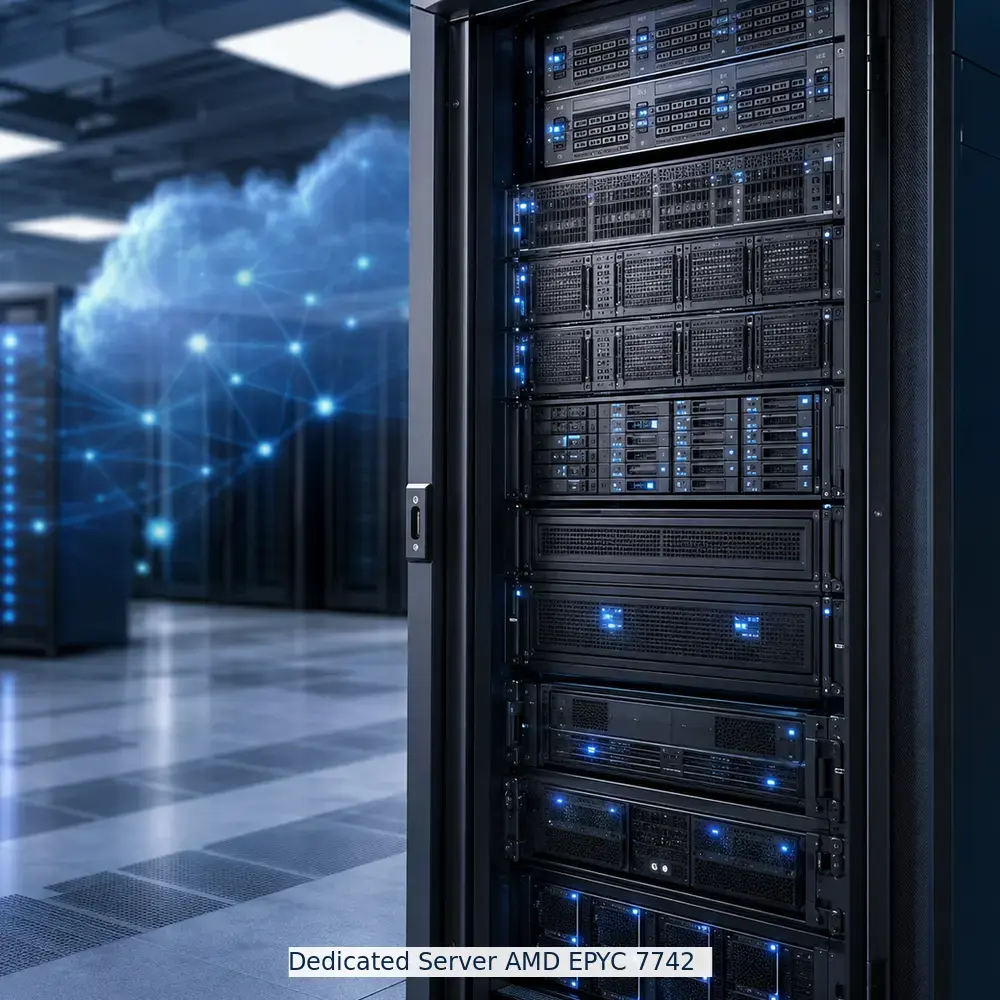
- Dedicated Server AMD EPYC 7742, 64 cores, 256GB RAM, 2 x 4TB NVMe: about R4,129.83 a month, or R49,557.96 a year. That is R64.53 per core per month.
If you need four to eight CPUs, the VPS is far cheaper. If you would keep all 64 cores busy around the clock, the dedicated server costs roughly a third as much per core. A VPS CPU allocation is not the same as a physical EPYC core, so treat the per-core figures as a guide to scale, not a benchmark.
Dedicated costs more in total but less per unit of capacity, so it only pays off when you actually use the capacity.
How to decide which one your business needs
Choose cloud or a VPS if your load varies or you are growing. Choose a dedicated server if load is steady and heavy, data isolation is required, or you run I/O-heavy systems. Five questions confirm which side you are on.
Five questions that settle it
Answer these about your workload today, not the one you hope to have in two years. Most businesses find that four of the five answers point the same way.
- Is your load steady or spiky? Spiky favors cloud, steady and high favors dedicated.
- Does a regulator, client contract or audit require single-tenant hardware? If yes, go dedicated.
- Is the workload I/O-heavy, such as a large database or a virtualization host? That favors dedicated.
- Do you have in-house admin skills? If not, pick a managed service on either option.
- How fast will you grow? Fast or unpredictable growth favors cloud. You can add a dedicated server later.
If you cannot name a reason to need a whole machine, start with cloud and move up when the numbers justify it.
When a hybrid setup is the better answer
Many businesses split the workload. They keep the database or sensitive records on a dedicated server and run web front ends, test environments and short-lived projects on cloud or VPS plans. You get isolation where it matters and flexibility everywhere else.
On compliance, be precise. POPIA does not mandate dedicated hardware, but it does hold you responsible for securing personal information. Know where your data sits, who can reach it, and get the data-centre location confirmed in writing.
What to check before you order from a provider
Before you order, confirm the operating system, management level, backups, IP addresses, licences, data-centre location, provisioning time and migration plan. These details change the real cost more than the headline price does.
A checklist for any provider
Use this list for cloud and dedicated offers alike. A provider who answers every line clearly is usually one you can work with later.
- Management level: who patches the operating system, you or the provider?
- Backups: are they included, how often do they run, and where are they stored?
- Bandwidth: is it metered or unmetered, and what happens at the limit?
- Licences: are operating system and control panel licences included or extra?
- Location and provisioning: which data centre, and how long until the server is live?
- Migration: who moves your data, and how is downtime handled?
Options QuikeFix lists
QuikeFix lists VPS plans and dedicated servers on its hosting portal. The table shows the published specifications. The Dedicated Server AMD EPYC 7742 lists unmetered bandwidth on the portal, so confirm the terms before you order. Prices are indicative, and the live portal sets the final price and billing cycle.

| Option | Type | Key specification | Indicative price |
|---|---|---|---|
| Standard VPS 4GB RAM 60GB SSD | VPS | 4GB RAM, 60GB SSD | R412.01 |
| Standard VPS 8 CPU 240GB SSD | VPS | 8 CPU, 240GB SSD | R1,444.51 |
| Dedicated Server AMD EPYC 7742 | Dedicated | 64 cores at 2.25GHz, 256GB RAM, 2 x 4TB NVMe | R4,129.83 |
| Dedicated Server Dual AMD EPYC 7742 | Dedicated | 128 cores at 2.25GHz, 512GB RAM, 4 x 4TB NVMe | R5,781.83 |
| Dedicated Server Custom Build | Dedicated | Up to 128 cores, up to 1TB RAM, custom storage and bandwidth | From R6,607.83 |
QuikeFix confirms scope and pricing in a consultation. To get a useful quote, send your user count, sites or workloads, integrations and target date.
A headline price is only comparable once management, backups, licences and location are the same on both quotes.
Match the server to your workload
Cloud hosting gives you flexible capacity and a low entry price. A dedicated server gives you a whole machine, steady performance and full control. Spiky or growing workloads belong in the cloud. Steady, heavy or strictly isolated workloads belong on dedicated server plans. Many businesses use both.
Count the real cost per unit of capacity, use the five questions, and check the provider details before you commit. If you want a second opinion on which setup fits your users and workloads, book a hosting consultation with QuikeFix.