Cloud hosting vs dedicated server comes down to one question: do you want virtual resources that flex with demand, or a whole physical machine that only you use? Cloud hosting runs your site on virtual servers carved from a pool of physical hardware, so you can add or remove capacity quickly. A dedicated server is one physical machine leased to a single customer, with every core, gigabyte of RAM and disk reserved for you. Cloud suits changing demand. Dedicated suits steady, heavy or isolation-sensitive workloads.
This article compares dedicated server vs cloud on performance, scalability, cost and security, then gives you a short method for choosing. You will also see real listed prices in rand, so you can test the numbers against your own workload instead of trusting generic claims.
QuikeFix offers both VPS hosting and dedicated servers, so the advice here is about fit, not about pushing one model. Customers can start small and expand as their users and workloads grow, and the right starting point depends on the questions below.
Why the cloud hosting vs dedicated server choice matters
The choice sets your monthly bill, your performance ceiling and how much administration lands on your team. Choose cloud when you need flexibility and a dedicated server when you need steady raw power. A wrong guess in either direction costs real money or real downtime.
What each option really is
Cloud hosting spreads your workload across a cluster of machines and presents it as virtual servers you can resize on demand. If one physical host fails, the workload can restart on another. A dedicated server is the opposite: one physical machine assigned to a single organization, as AWS describes it.
| Factor | Cloud hosting | Dedicated server |
|---|---|---|
| Hardware | Virtual servers on shared hardware (multi-tenant) | One physical machine, one tenant |
| Scaling | Minutes, by resizing or adding instances | Hardware upgrade or an extra server, slower |
| Billing | Often by usage or by plan | Flat recurring fee |
| Hardware failure | Workload can move to another host | Single machine unless you build redundancy |
| Control | Within the provider’s virtual layer | Full control of the operating system and hardware choices |
What goes wrong when you pick badly
Overbuying a dedicated server means paying for idle cores at 3 a.m. Underbuying is worse. A shop on a fixed machine that gets a campaign spike will slow down or fail, and adding hardware takes longer than the spike lasts.
The terms also blur. A VPS is a virtual slice of one physical host. A cloud server is similar, but it usually draws on a larger pool with easier resizing and failover. Treat a VPS as the entry level of virtual hosting, and judge any plan by what is reserved for you, not by its label.
The real choice is between paying for capacity you might need and paying for capacity you actually use.
How to choose between cloud hosting and a dedicated server
Answer five questions about your workload, then match the result to a model. Do this before comparing any price list, because the answers decide which price list is relevant.
Five questions to answer first
- How variable is your traffic? Spikes and quiet spells favor cloud. A flat, heavy load favors dedicated.
- How big is your data, and how hard does it hit the disk? Large databases and heavy read/write work benefit from dedicated NVMe or SSD storage.
- What do your compliance rules or customer contracts demand? Some require single-tenant hardware.
- Who will administer the server? Without in-house IT, factor in managed server administration.
- How much variation can your budget take? Flat fees are easy to plan. Usage billing is not.
Rules of thumb by workload
Cloud fits new websites, seasonal shops, test environments and applications that are still growing. You can start small and resize without migrating. Dedicated fits large databases, steady high CPU use, virtualization hosts and software licensed per physical machine.
There is a sensible middle path. Start on a VPS, watch your CPU, RAM and disk use for a few months, and move to a dedicated server once the load is steady and large. Migration needs, such as operating system, backups and data volume, should be confirmed before you move.
If you cannot predict your load, start virtual. If you can predict it and it is heavy, go dedicated.
Performance and scalability compared
Dedicated servers give more consistent performance, and cloud gives faster scaling. Which matters more depends on whether your load is predictable or unpredictable.
Raw and consistent performance
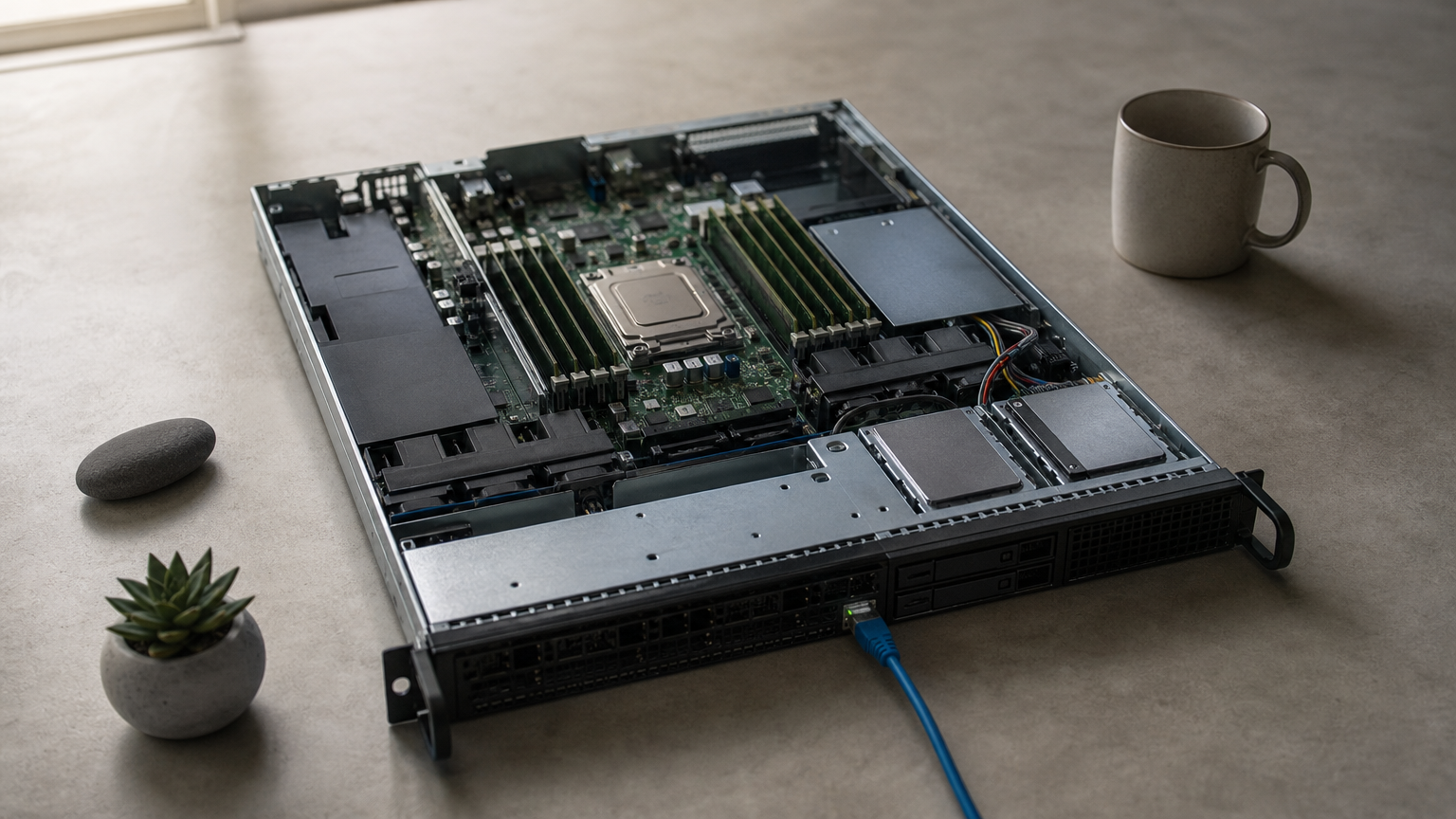
On a dedicated server, no other tenant competes for your CPU, memory or disk. That removes the "noisy neighbor" problem, where another customer’s load on shared hardware slows you down. For a busy database or an application with strict response times, this consistency often matters more than peak speed.
Cloud performance is good enough for most websites and business applications. The caveat is that it depends on how the provider allocates resources, so check what is reserved and what is shared.
Scaling and uptime
Cloud wins on speed of scaling. You add RAM or instances in minutes, and failover to another host is built in. A dedicated server scales by upgrading hardware or buying another machine, which takes provisioning time and may need a maintenance window.
Dedicated servers also remain a single point of failure unless you add redundancy, such as mirrored disks, a second server and tested backups. That is achievable, but you pay for it.
Cloud scales in minutes. A dedicated server scales in days, but it performs the same every hour of the day.
What each option costs in rand
Dedicated servers carry a flat, predictable fee, and cloud costs track what you consume. The prices below are listed QuikeFix hosting plans, converted from US dollars at USD 1 = ZAR 16.52, so treat them as indicative.
Listed prices side by side
| Plan | Key specification | Listed price (ZAR) |
|---|---|---|
| Standard VPS 4GB RAM 60GB SSD | 4GB RAM, 60GB SSD | R412.01 |
| Standard VPS 8 CPU 240GB SSD | 8 CPU, 240GB SSD | R1,444.51 |
| Dedicated Server Intel Xeon E3-1270 | 4 cores at 3.5GHz, 16GB RAM, 2 x 1TB HDD, 10TB bandwidth | R1,486.63 |
| Dedicated Server Intel Xeon Gold 6130 | 16 cores at 2.1GHz, 192GB RAM, 4 x 1TB SSD, 40TB bandwidth | R2,808.23 |
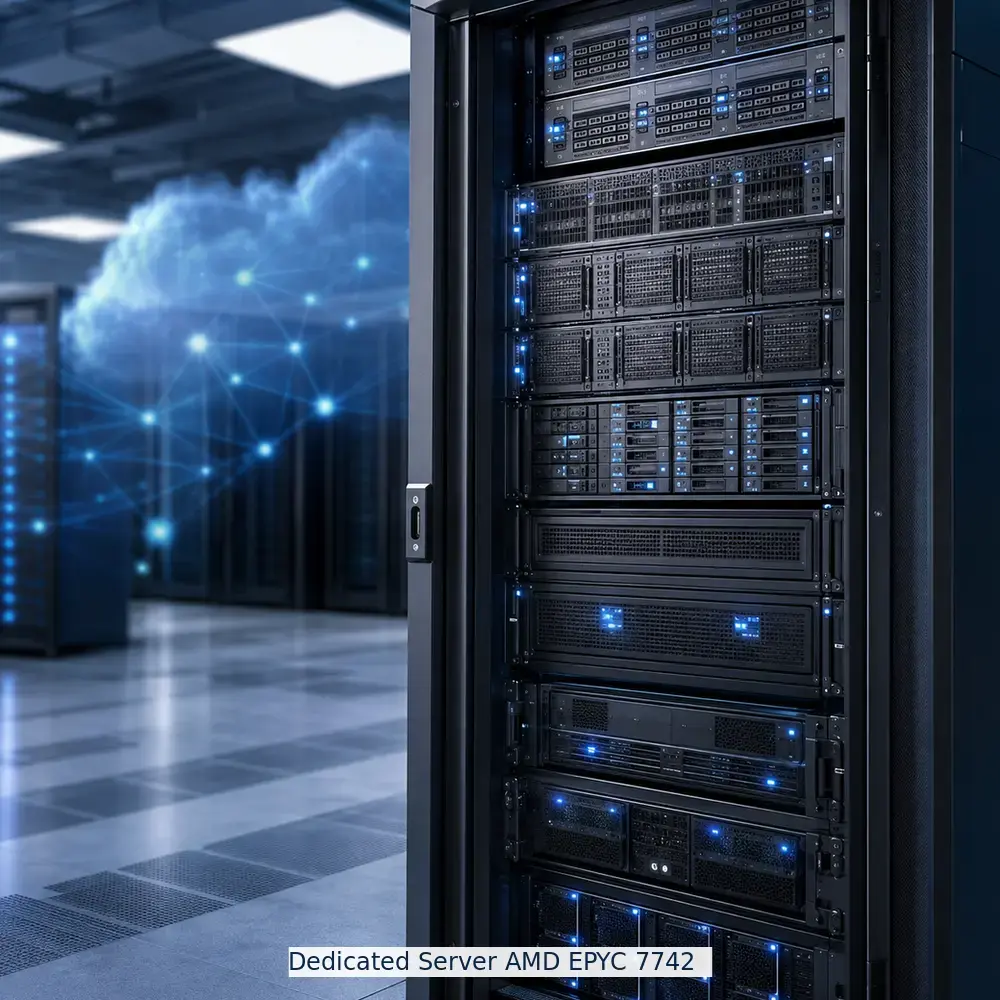
| Dedicated Server AMD EPYC 7742 | 64 cores at 2.25GHz, 256GB RAM, 2 x 4TB NVMe, unmetered bandwidth | R4,129.83 |
The live billing portal controls final prices, taxes, setup fees and billing cycles, so confirm them before you order.
A worked example
Compare the 8 CPU VPS at R1,444.51 with the Xeon E3-1270 dedicated server at R1,486.63. The gap is R42.12, or R505.44 over 12 months (R17,339.. wait)
Actually the yearly totals are R17,334.12 for the VPS and R17,839.56 for the dedicated server. So at this level, price does not decide the question. The VPS gives you more virtual CPUs and SSD space, while the dedicated server gives you the whole machine and its disks.
Where the models really diverge is under load. A server that runs near full capacity around the clock usually costs less on a flat dedicated fee than on usage billing. A server that sits mostly idle costs less on cloud. Also watch bandwidth and extras, such as backups and licences, because they change the total more than the headline price does.
Compare yearly totals at your expected load, not the monthly price on the plan card.
Security and compliance differences
Dedicated servers offer stronger isolation by design, but neither model is secure by default. Your configuration and maintenance decide the result more than the hosting type does.
Isolation and compliance
A dedicated server is single-tenant, so no other customer shares your hardware. If a regulator, auditor or customer contract requires physically isolated infrastructure, this is the straightforward answer. Cloud is multi-tenant, and while providers separate tenants well, you cannot always satisfy a strict single-tenant clause with it.
Who does the security work
On both models, you or your provider must handle patching, firewalls, access control and backups. On a dedicated server the hardware and operating system are fully yours to harden, and also fully yours to neglect. In the cloud, the provider secures the underlying platform while you secure what you run on it.
If you have limited IT staff, ask for managed server administration whichever model you pick. QuikeFix offers server administration, endpoint protection and backup planning for this reason. An unpatched dedicated server is less safe than a well-run virtual one.
Dedicated gives you isolation. It does not give you security. That still takes patching, backups and monitoring.
How to make the call
Choose cloud hosting when your traffic changes, your team is small or you are still growing. Choose a dedicated server when your load is steady and heavy, your data is large or your contracts require single-tenant hardware. If you are unsure, start on a VPS, measure for a few months, and move up when the numbers justify it.
Price rarely settles the question, as the R42.12 gap above shows. Workload shape, isolation needs and who runs the server settle it. If you want a second opinion on your own numbers, talk to QuikeFix about the hosting setup that fits your workload. We will review your users, workloads and growth plans before recommending anything.