Business and cybersecurity is the practice of protecting a company’s email, devices, networks, data and accounts from attackers, and of recovering fast when something gets through. For a small or medium-sized business, cybersecurity is not one product. It is a set of layered controls: a firewall, multi-factor authentication (MFA), email filtering, endpoint protection, tested backups and trained staff. If one layer fails, another stops or limits the damage.
This article explains why cybersecurity in business matters, which threats you are most likely to meet, and which measures to put in place first. It also gives a practical way to choose a provider if you run a company in Gauteng and want help instead of doing it all yourself.
QuikeFix is a technology provider that combines managed IT support, hosting and cybersecurity services under one brand, so we see where small companies leave gaps. The advice below is the order of work we would suggest to any owner or IT manager starting from scratch.
Why cybersecurity matters to your business
Cybersecurity matters because most attacks are aimed at ordinary companies, not famous ones, and a single stolen password or bad email can stop your operations. Attackers favor small businesses because the defenses are thinner and the payoff is still real: bank details, customer data and access to bigger partners.
The threats small businesses face most
Most incidents start with a simple entry point. The table shows the four you should plan for first.

| Threat | How it reaches you | What it does |
|---|---|---|
| Phishing | A fake email or link asking for a login | Hands your password to an attacker |
| Invoice fraud | A message impersonating a supplier or director | Redirects a payment to a criminal’s account |
| Ransomware | A malicious attachment or an unpatched system | Locks your files until you pay or restore |
| Account takeover | A reused or stolen password, often on email | Gives access to mail, files and contacts |
These threats chain together. A phished password becomes a taken-over mailbox, and that mailbox is used for invoice fraud against your customers.
What a breach costs you
The direct cost is downtime. If your quoting, invoicing or dispatch system is locked for days, work stops while salaries and rent continue. Then come recovery work, lost customer trust and possible legal exposure.
In South Africa, the Protection of Personal Information Act (POPIA) expects you to protect the personal information you hold, and to notify the Information Regulator and affected people when it is compromised. A breach is therefore a compliance problem as well as a technical one.
A cyber incident costs you the days your business cannot operate, not just the ransom or the repair bill.
How to put cybersecurity in place, step by step
You build business cybersecurity by closing the most common entry points first: accounts, email, devices and backups. Start with the cheap, high-impact controls, and add monitoring once the basics hold.
The core controls and what each one stops
Each control answers a specific threat from the table above.
| Control | What it stops | First step |
|---|---|---|
| Firewall and VPN | Unauthorized access to your network, unsafe remote connections | Review rules and close unused open ports |
| MFA | Logins using only a stolen password | Enforce it on email and admin accounts first |
| Email security | Phishing and impersonation | Turn on filtering and anti-spoofing settings |
| Endpoint protection | Malware on laptops, desktops and servers | Use one consistent product on every device |
| Backups | Ransomware and accidental deletion | Keep copies offsite and test a restore |
| Awareness training | Staff clicking the wrong link | Run short, regular sessions with real examples |
MFA and tested backups give the biggest return. MFA means an attacker with your password still cannot log in. For backups, follow the 3-2-1 rule: three copies, on two types of storage, with one kept offsite. A backup you have never restored is only a hope.
A worked example: a 15-person office
Picture an accounting office in Johannesburg with 15 staff, Microsoft 365 email and a shared file server. A sensible order of work looks like this:

- List every user, device and admin account, including old ones.
- Enforce multi-factor authentication (MFA) on all mailboxes, starting with directors and finance.
- Install the same endpoint protection on all 15 machines and the server.
- Switch on email filtering and check that invoice-style impersonation gets flagged.
- Set up offsite backups and restore one folder to prove it works.
- Review firewall rules and remote access, and remove accounts for people who have left.
- Run a 30-minute phishing awareness training session for all staff.
Fix identity, email and backups before you buy anything advanced.
Cybersecurity tips for small business that get skipped
The best cybersecurity tips for a small business are rarely new technology. They are habits and settings that owners assume are already done. Most of the gaps below sit in companies that do have security software.
Gaps that cause the most incidents
Check yourself against this list:
- MFA is available but not enforced, so only some users have it.
- Backups exist but nobody has tested a restore.
- Devices run mixed or expired protection, with some machines unprotected.
- Forgotten machines such as an old PC or test server never get patched.
- Staff have more access than they need, so one compromised account reaches everything.
Each gap is cheap to close once you see it. The hard part is knowing it exists, which is why an outside review often finds in an hour what an internal team missed for a year.
Habits that keep the controls working
Security settings drift. Review email, remote access, backups and administrator accounts after any major change, such as new staff, a new office or a software migration, and at least once a year regardless.
Remove access on the day someone leaves. Give people only the permissions their job needs. Keep systems patched, and make sure staff know whom to tell the moment they suspect a bad email, because speed of reporting decides how far an incident spreads.
Security fails through neglect more often than through missing tools.
How to choose a cybersecurity provider in Gauteng
Choose a cybersecurity company that starts by assessing your actual risk, explains what it will deploy in plain language, and can support you after setup. In Gauteng you have many options, so judge them on process and scope, not on a long list of product names.
What to ask before you sign
- Do you begin with an assessment of my users, devices and current setup?
- Which of MFA, email security, endpoint protection, backups and monitoring are in scope, and which are excluded?
- Who responds when an alert fires, and how quickly?
- Can you work remotely and on site if needed?
- How is pricing built, and what changes it?
Be wary of any provider that quotes a fixed price without asking about your environment. Costs depend on user numbers, devices, licensing and labor, so a trustworthy quote follows a review.
What QuikeFix offers and what to send us
QuikeFix serves businesses across Gauteng and the other provinces. Our cybersecurity catalogue covers risk assessment, MFA deployment, email security and anti-phishing setup, firewall installation and configuration, endpoint security deployment, managed security monitoring, security awareness training and website malware protection.
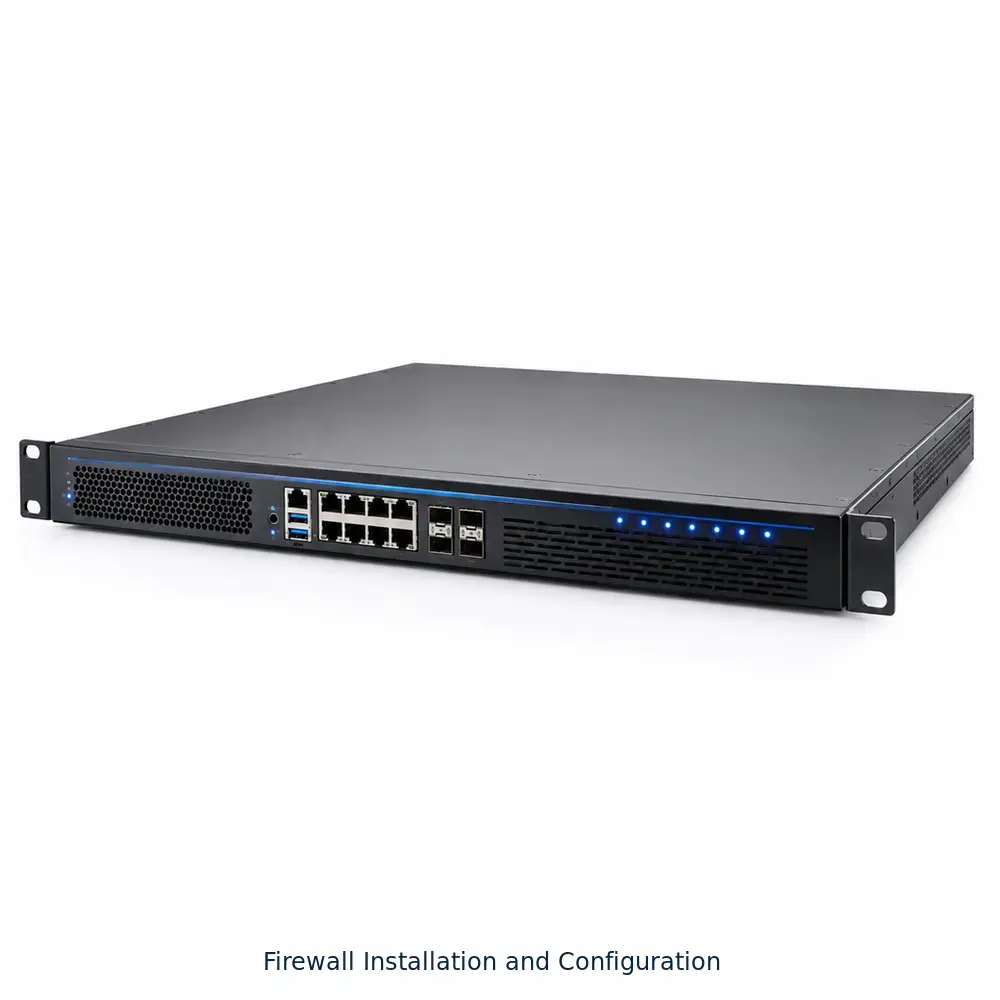
We price each by quotation, because scope, licensing and labor vary. To get an accurate proposal, send your business name, number of users, locations and devices, your current platform (for example Microsoft 365), your target date and the main problem you want solved. A risk assessment is the sensible first step if you are unsure where you stand.
A good provider asks about your business before it names a price.
Start with the basics
Business and cybersecurity come down to a short list: protect accounts with MFA, filter email, cover every device, test your backups and train your people. Do those well and you stop most of the attacks that hit small companies in South Africa. Review them regularly, because gaps reappear as your team and systems change.
If you would rather not work through it alone, a short risk assessment shows your highest-risk gaps first. You can request a cybersecurity quotation from QuikeFix and we will scope the work around your users, devices and goals.