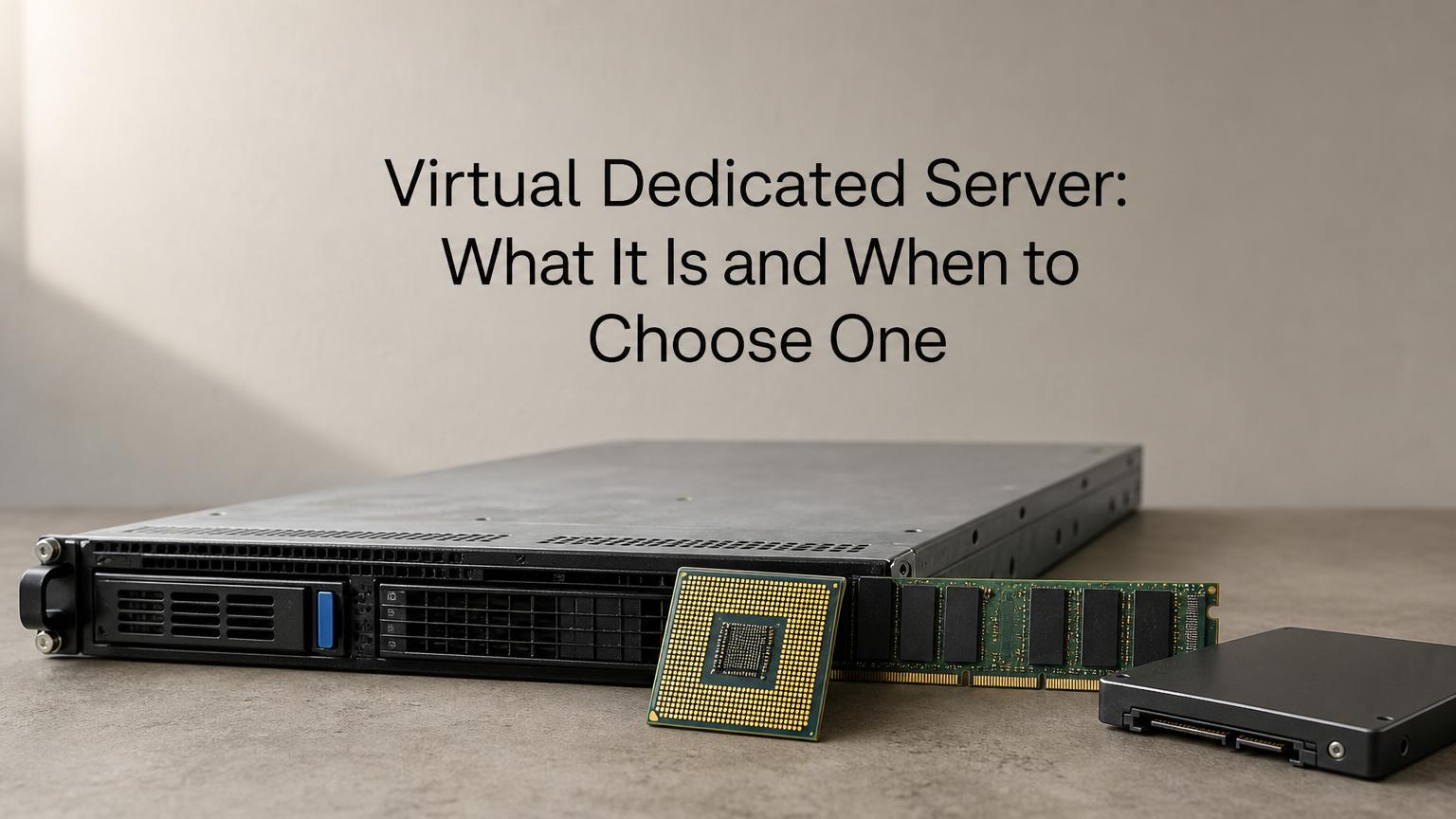
A virtual dedicated server (VDS) is a virtual machine on shared physical hardware, with its CPU, RAM and storage reserved for you instead of shared with other customers. It behaves like a physical dedicated server for performance, but you pay for a slice of the machine, not the whole box. Many providers use "VDS" and "VPS" interchangeably, so the label matters less than what the plan actually guarantees.
This article covers why a VDS matters, how to choose a plan, how it compares with a standard VPS and a physical dedicated server, and what the options cost in rand. You will finish with a checklist you can take to any provider.
QuikeFix offers both VPS hosting and dedicated servers, so the guidance below is written around one decision: how much of a machine your workload needs to own.
Why a virtual dedicated server matters
A virtual dedicated server matters because it removes the main cause of unpredictable virtual hosting: other customers drawing on the same hardware. You get reserved CPU and RAM, so the server performs the same during month-end processing as it does at 3 am.
The noisy neighbour problem
On a typical VPS, the host may sell more virtual CPUs than it has physical cores. This is called overselling, and it works because customers rarely peak at the same time. When they do, your response times climb and nothing inside your own server explains why.
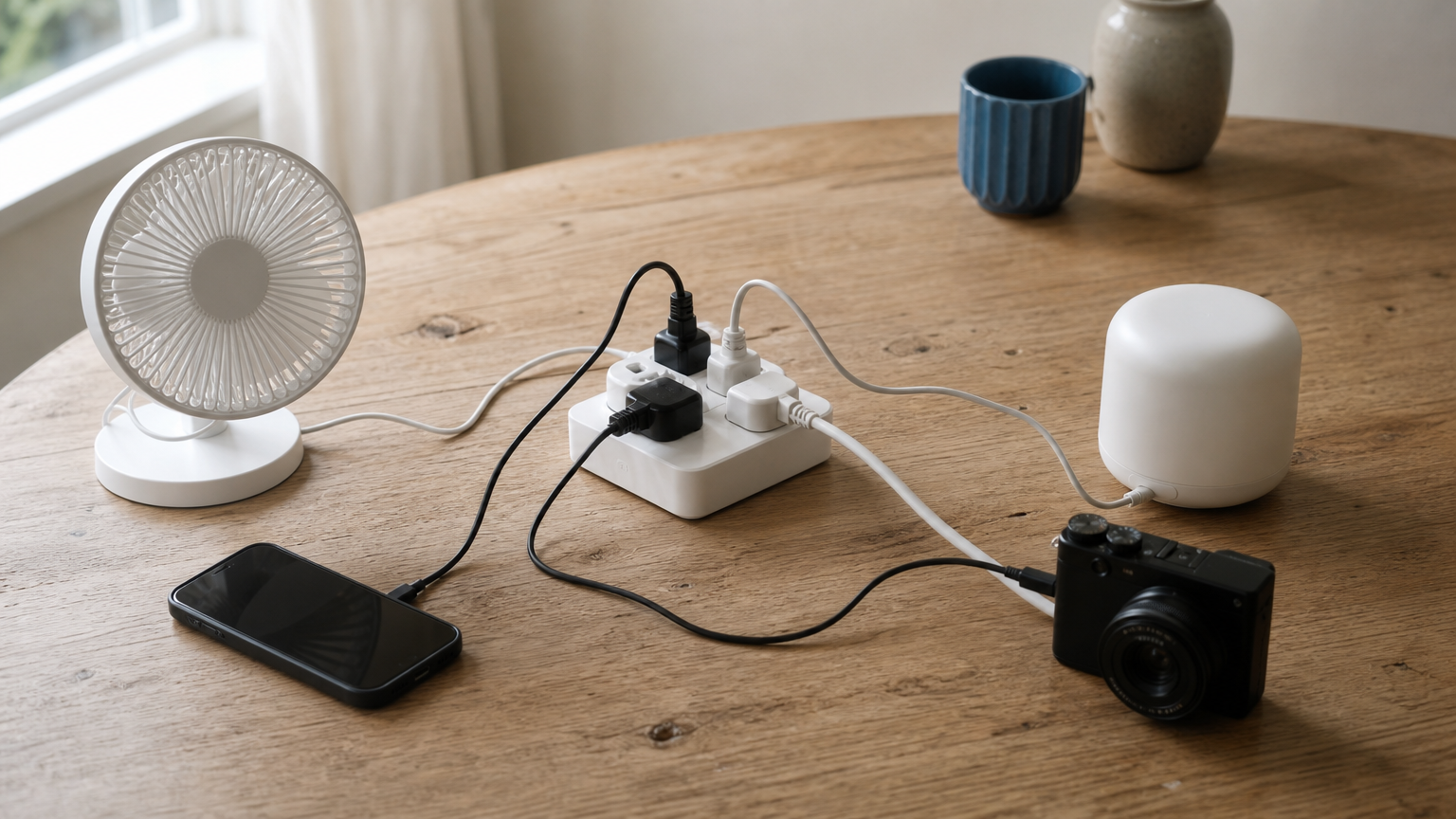
A VDS closes that gap. Whether the plan is called VDS, dedicated vCPU or guaranteed resources, the promise is the same: your allocation is not lent to other tenants. Your database query that takes 40 ms on Tuesday takes about 40 ms on Friday.
A virtual dedicated server sells you predictability, not just capacity.
Who benefits and who does not
A VDS pays off when your load is steady and your users notice slowdowns. It is overkill when the workload is light or temporary. Match it to your situation:
- Good fit: databases, ERP and CRM systems, Windows business applications, remote desktop servers and busy application back ends.
- Probably unnecessary: a small brochure website, a staging server, a personal project or a short-lived test.
- Needs a physical server instead: strict single-tenant requirements, specialist hardware, or workloads that use all the cores of a machine.
A VDS is still virtual. A hypervisor and a host machine sit underneath it, so if a contract or audit demands hardware that nobody else touches, you need a physical dedicated server.
How to choose a virtual dedicated server plan
Choose a plan by checking what is reserved, matching it to your workload, and deciding who will manage the server. Marketing names tell you little, so verify each point in writing before you pay.
Check what is actually reserved
Ask the provider these questions. A vague answer to any of them means the plan is probably a standard VPS with a new label.
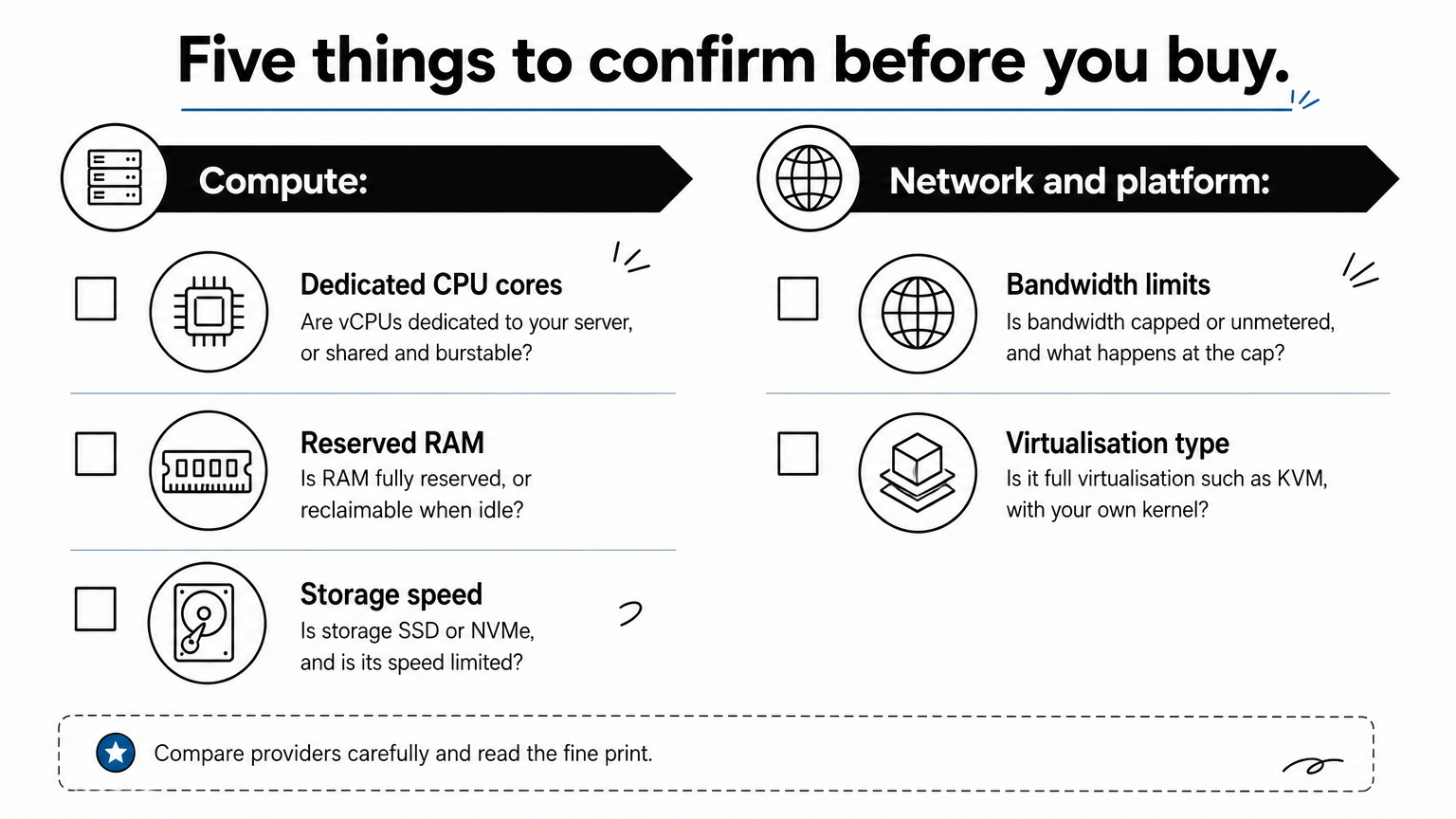
- Are the vCPUs dedicated to your server, or shared and burstable?
- Is the RAM fully reserved, or can the host reclaim it when it is idle?
- Is the storage SSD or NVMe, and is its speed limited?
- Is the bandwidth capped or unmetered, and what happens at the cap?
- Which virtualisation type is used? Full virtualisation such as KVM gives you your own kernel. Container-based virtualisation shares the host kernel.
Match the plan to the workload
Size for your peak, not your average. A database that idles at 10% CPU but hits 90% during reporting needs the peak number reserved. Look at your current server’s busiest hour and leave about 30% headroom above it.
Check the operating system too. A Windows application needs a Windows licence, and that licence is often billed on top of the plan. Confirm this before ordering, along with backups, IP addresses, data-centre location and migration requirements.
Decide who manages it
Most VDS plans are self-managed. That means you handle patching, the firewall, SSH or remote desktop access, monitoring and backups. If nobody on your team does that, the server will drift into a security risk.
You can pay for management instead. QuikeFix lists server administration among its managed IT services. Whoever does it, assign an owner for updates and backups before launch.
If nobody owns patching and backups, the plan you chose matters less than the gap you left.
VDS vs VPS vs physical dedicated server
A VDS sits between a VPS and a physical dedicated server. It has the reserved resources of a dedicated machine and the flexibility of a virtual one. The table shows how the three differ on the points that affect your decision.
Side-by-side comparison
| Point | Standard VPS | Virtual dedicated server | Physical dedicated server |
|---|---|---|---|
| Hardware | Shared host | Shared host | Whole machine is yours |
| CPU and RAM | May be shared or oversold | Reserved for you | All of it is yours |
| Performance consistency | Varies with neighbours | Stable | Most stable |
| Root or admin access | Yes | Yes | Yes, plus hardware control |
| Resizing | Fast, often in minutes | Fast | Slower, may need hardware changes |
| Price level | Lowest | Middle | Highest |
| Best for | Websites, tests, light apps | Databases, ERP, business apps | Heavy loads, strict isolation |
The naming trap
Here is the catch: there is no standard definition. Wikipedia lists VPS and VDS as the same thing, a virtual machine sold as a service. Some hosts reserve resources on every VPS and still call it a VPS, and others label a normal VPS as a VDS.
So judge a plan by its guarantees, not its name. A "VPS" with dedicated cores can beat a "VDS" with oversold ones. The five questions in the previous section sort the two apart quickly.
Judge a plan by what it reserves, not by whether it says VPS or VDS.
What virtual dedicated server hosting costs in rand
Virtual dedicated server hosting usually costs more than a basic VPS and less than a physical machine. Prices vary by provider, licences and region, so use current listings as a guide. The QuikeFix plans below show the spread from small VPS to physical server.
Indicative prices on the QuikeFix portal
These rand figures are indicative conversions at USD 1 = ZAR 16.52. The live billing portal controls the final price, billing cycle, tax and any licences.

| Plan | Published specification | Indicative price |
|---|---|---|
| Standard VPS 1 CPU 2GB RAM | 1 CPU, 2GB RAM, 30GB SSD | R205.51 |
| Standard VPS 4GB RAM 60GB SSD | 4GB RAM, 60GB SSD | R412.01 |
| Standard VPS 8 CPU 240GB SSD | 8 CPU, 240GB SSD | R1,444.51 |
| Dedicated Server Intel Xeon E3-1270 | 4 cores at 3.5GHz, 16GB RAM, 2 x 1TB HDD, 10TB bandwidth | R1,486.63 |
| Dedicated Server AMD EPYC 7742 | 64 cores at 2.25GHz, 256GB RAM, 2 x 4TB NVMe | R4,129.83 |
A worked example
Say you run an accounting database and need 8 CPU and fast storage. The 8 CPU VPS listing is about R1,444.51. The nearest physical option, the Xeon E3-1270, is about R1,486.63. That is only R42.12 more, but the specifications differ: 4 physical cores with 16GB RAM and hard drives, against 8 CPU with 240GB of SSD.
So price alone will not decide it. At this level the gap between virtual and physical is small, and that is where reserved-resource plans usually sit. Compare cores, RAM, storage type and guarantees, then ask for a configuration review before you order.
Once plans cost almost the same, choose by what the workload needs, not by the price tag.
Choosing the right level of server
A virtual dedicated server is the right choice when you need steady, reserved performance without paying for a whole physical machine. Check what is reserved, size for your peak, name an owner for maintenance, and ignore the label on the plan.
If you are weighing a VPS against a dedicated server for a business workload, talk it through with the team at QuikeFix. Bring your workload, user numbers and peak hours, and we will help you match them to a plan.