The best open source workflow automation software depends on who will build the workflows. n8n suits teams that connect apps and APIs, Activepieces suits non-technical staff, Apache Airflow suits engineers who schedule data pipelines in Python, and Node-RED suits event-driven and device-heavy jobs. All four run on your own server, so your data and your costs stay under your control.
Many hosted tools bill per task and keep your data on someone else’s infrastructure. Search for open source alternatives and you get lists that mix workflow engines, project boards and process modelers that solve different problems. The label also hides real differences in licensing, which matter once a tool runs part of your business.
This article compares four tools on the same three points: how each one works, who it suits, and what its license and self-hosting setup involve. A final section shows how to choose between them. QuikeFix sets up n8n for clients as a quoted service, so it comes first, but the other three get the same test.
1. n8n
How it works
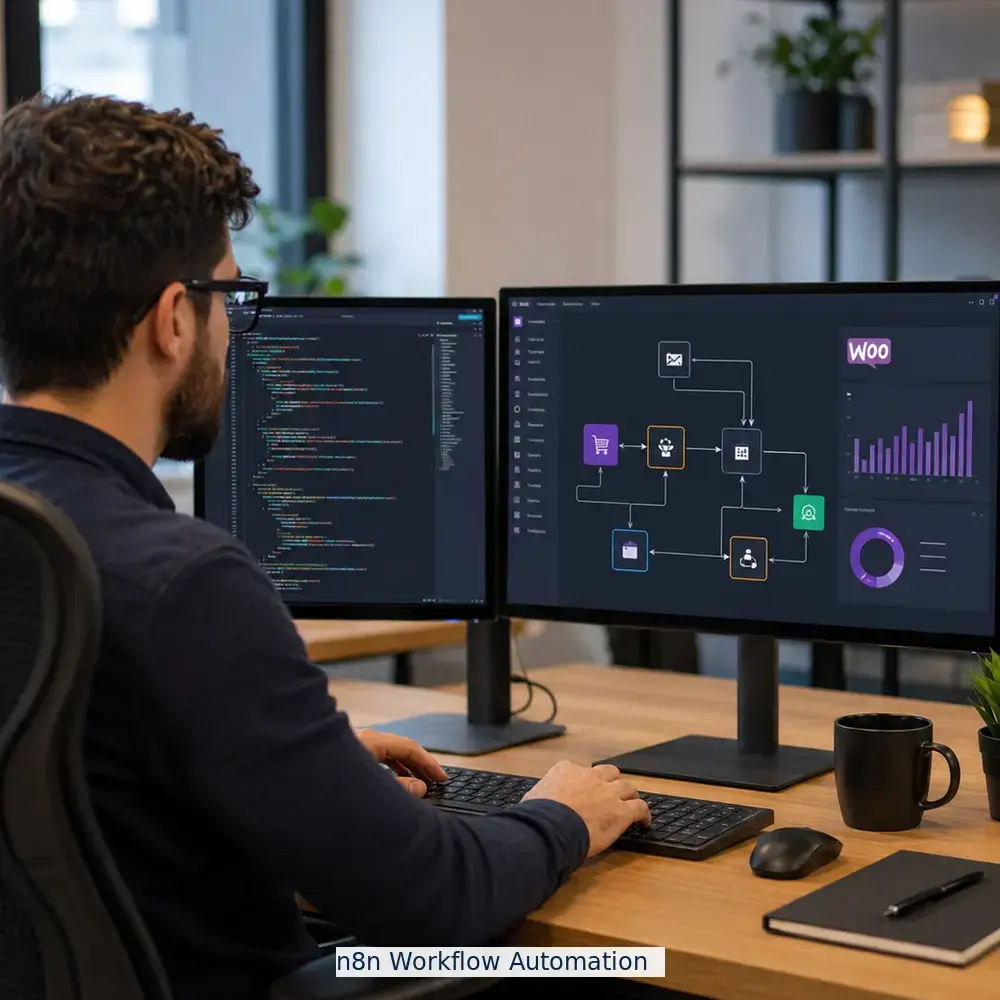
n8n is a visual workflow builder where each step is a node. A workflow starts with a trigger such as a webhook, a schedule or a new email, then chains nodes that call apps, reshape data and branch on conditions. When no ready-made node exists, an HTTP Request node reaches any API and a Code node runs JavaScript or Python.
- Hundreds of built-in integrations for common business apps
- Error workflows that alert you when a run fails
- AI agent nodes for steps that call a language model
Who it suits
Teams that are comfortable with APIs but do not want to build a service for every integration get the most from n8n. A freight office, for example, can turn each booking email into a spreadsheet row, a chat alert and a CRM record in one workflow. QuikeFix delivers n8n workflow automation as a quoted service, with scope, licensing and price confirmed before you order.
- Choose it when you want visual building with an escape hatch into code
- Look elsewhere when the builders are non-technical staff with no IT help
License and self-hosting
n8n uses a fair-code license, the Sustainable Use License, which is source-available rather than OSI open source. You can self-host it free for internal business use, but you cannot resell it as a hosted service.
Source-available is not the same as open source, so read the license before you build a business on a tool.
Deployment is straightforward with Docker and a PostgreSQL database. When volume grows, queue mode adds Redis and separate workers. Advanced governance features such as single sign-on sit in paid plans.
2. Activepieces
How it works
Activepieces is a no-code builder where you pick a trigger, add steps and map data between them in a clean interface. Integrations are called pieces, and they are TypeScript packages, so a developer can write a custom piece when a connector is missing.
- Step-by-step flow editor with branching and loops
- Community-built pieces for popular apps
- AI steps for text and decision tasks
Who it suits
Activepieces fits teams where the person who owns the process also builds the automation. Think finance, marketing or office administration, where nobody wants to read API documentation.
Pick Activepieces when the people who own the process are the people who build the automation.
- Choose it when ease of use matters more than deep customization
- Look elsewhere for heavy data pipelines or complex scripted logic
License and self-hosting
The community edition is MIT licensed, which is as permissive as open source gets. Enterprise features are sold under a separate commercial license, so check which features you need before you commit.
- Runs in Docker on a small server
- Check the current documentation for the production database and queue setup
3. Apache Airflow
How it works
Airflow defines workflows as Python code, called DAGs. A scheduler decides when tasks run, workers execute them, and a web interface shows each run with its logs and retries. It was built for scheduled, batch-style data work, such as nightly loads and reporting pipelines.
- Automatic retries and backfills for missed runs
- A large catalog of provider packages for databases and cloud services
- Full run history for auditing
Who it suits
Data and platform engineers get real value from Airflow. Business staff do not, because there is no drag-and-drop builder and every change goes through code and deployment.
Airflow is a scheduler for engineers, not an automation tool for office staff.
- Choose it when pipelines are code, versioned and owned by developers
- Look elsewhere for simple app-to-app automations
License and self-hosting
Airflow is Apache 2.0 licensed and a top-level Apache Software Foundation project. It is the heaviest tool here to run: a scheduler, a web component, a metadata database and an executor. The official Docker setup asks for at least 4 GB of memory, and Kubernetes is the usual route for production.
4. Node-RED
How it works
Node-RED is a browser-based editor where you wire nodes together into flows. It runs on Node.js and speaks MQTT, HTTP, WebSocket and serial out of the box, which is why it is popular for sensors, gateways and event-driven jobs. A large library of community nodes extends it through npm.
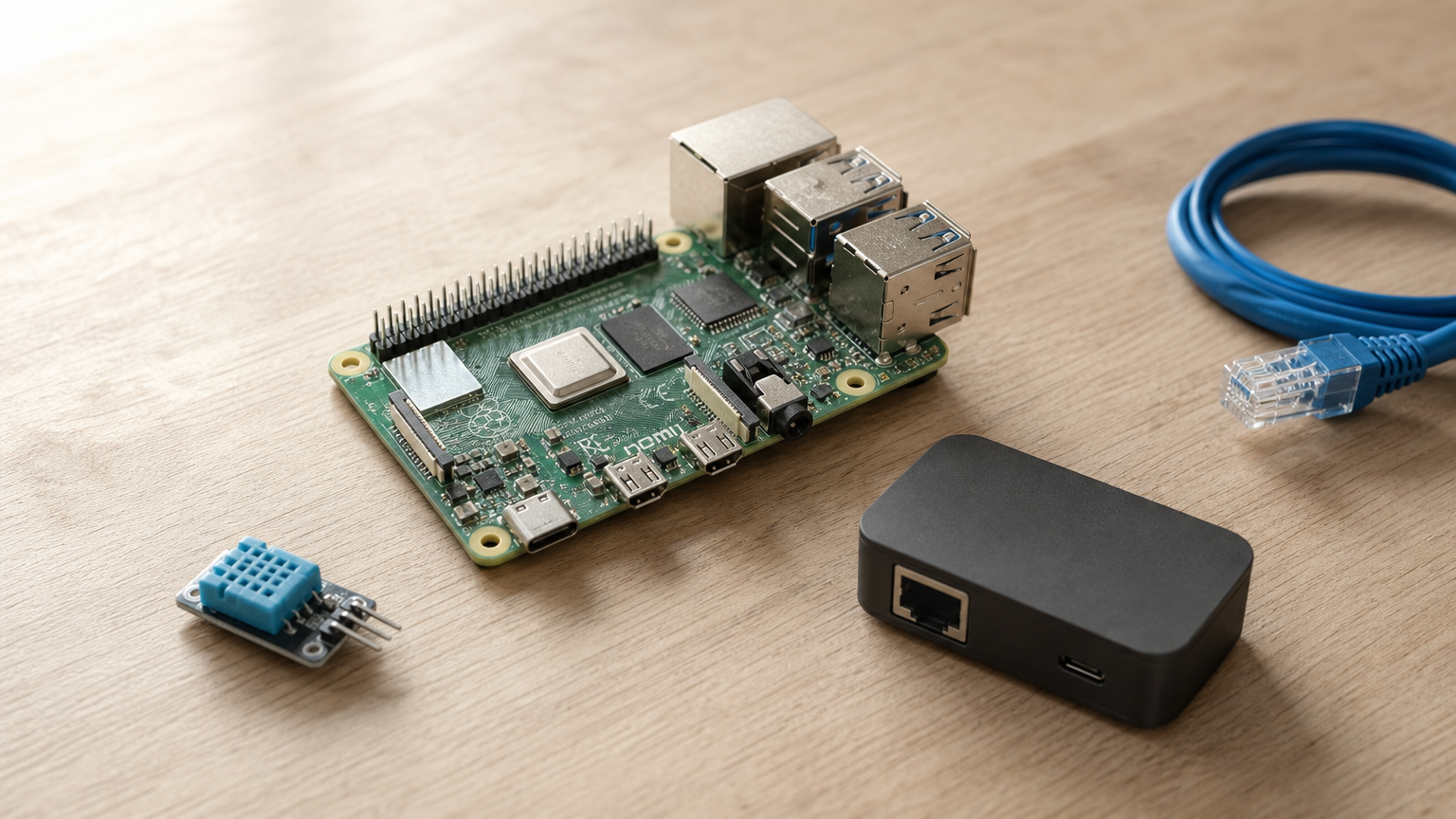
- Very light, so it runs on a Raspberry Pi
- Instant deploy of flow changes from the editor
- JavaScript function nodes for custom logic
Who it suits
Node-RED suits technicians and developers who react to messages, devices and events. It is a weaker choice for business approvals and team workflows, since it offers less built-in support for collaboration and run history than n8n or Airflow.
Node-RED wins when the trigger is a message or a sensor, not a business form.
- Choose it for IoT, building systems and real-time integrations
- Look elsewhere when many non-technical users must manage flows
License and self-hosting
Node-RED is Apache 2.0 licensed and part of the OpenJS Foundation. Install it with npm or Docker. A tiny footprint means a minimal VPS or a local device is enough for most flows.
How to choose the right tool
Comparison at a glance
Match the tool to who builds the workflows and what triggers them. If you are choosing open source workflow automation tools for a 15-person logistics office that wants booking emails turned into records, n8n fits when IT helps the ops manager, and Activepieces fits when the ops manager builds alone.
| Tool | License | Builder style | Best for |
|---|---|---|---|
| n8n | Fair-code (Sustainable Use) | Visual nodes plus code | App and API integration |
| Activepieces | MIT (community edition) | No-code steps | Non-technical teams |
| Apache Airflow | Apache 2.0 | Python code | Scheduled data pipelines |
| Node-RED | Apache 2.0 | Visual flows | Events and IoT |
Choose by who builds and what triggers, then confirm the license fits how you will use it.
If your team prefers declarative, YAML-defined orchestration, Kestra (Apache 2.0) is also worth a look.
Self-hosting checks before you commit
Self-hosting moves the work of keeping the tool alive to you, so plan for it. A small VPS with 2 vCPUs and 4 GB of memory is a reasonable starting point for light loads on n8n, Activepieces or Node-RED, and Airflow needs more. Treat that as a starting point, not a specification.
Before going live, put the tool behind HTTPS, back up the database and any encryption keys, and set a routine for updates. Losing n8n’s encryption key, for example, makes stored credentials unusable. If your workflows touch personal information, decide where the server sits, because POPIA makes data location a real consideration.
Pick the tool that fits your team
Start with the builder, not the feature list. Ops teams that think in apps and APIs should shortlist n8n, non-technical teams should try Activepieces, engineers with scheduled data jobs belong on Airflow, and event-driven work belongs in Node-RED. Read the license first, then test one real workflow on a small server before you commit.
If you would rather not run the build yourself, QuikeFix can scope n8n workflow automation around your users, environment and required outcome. Request a tailored n8n workflow automation quote and we will confirm scope, licensing and pricing before you order.