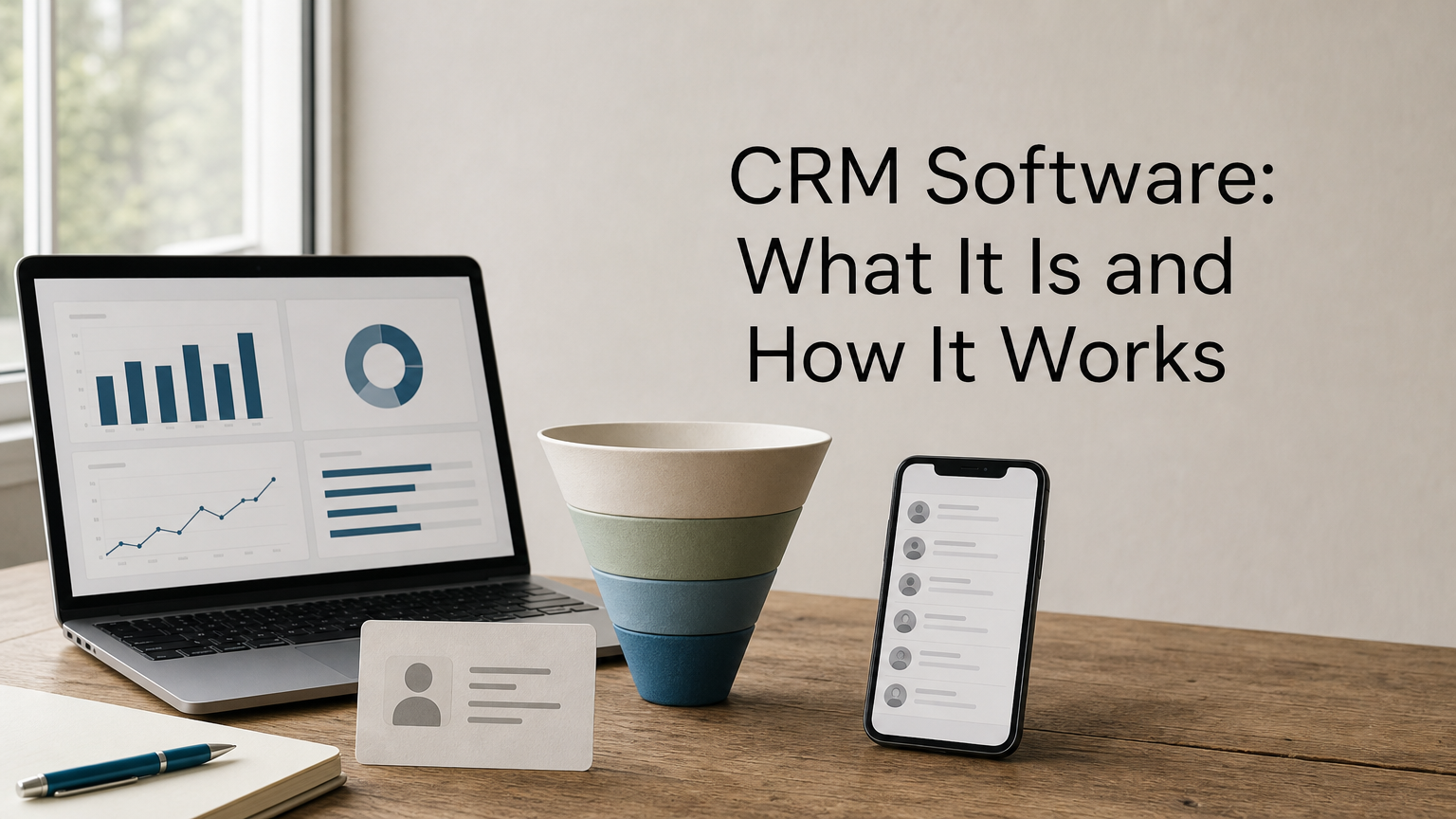
You’ve probably heard the term thrown around in sales meetings, but you still want a straight answer: what does crm in software actually mean, and why does every growing business seem to need one? At its core, customer relationship management software is a system that stores every customer interaction, quote, and follow-up in one place instead of scattered across spreadsheets, inboxes, and someone’s memory.
So what is CRM software used for in practice? It tracks leads from first contact through to closed sale, logs communication history, reminds your team about follow-ups, and gives managers visibility into the entire sales pipeline. It replaces guesswork with a shared customer record that everyone in the business can rely on, from sales reps to support staff.
This article breaks down the CRM software definition properly, walks through how the system actually works day to day, and shows what a modern CRM platform looks like when it’s connected to sales, service, and finance rather than running as an isolated tool. If you’re evaluating options for a South African business, you’ll leave with a clear picture of what to expect.
Why CRM software matters for your business
Think about how many places customer information lives right now: a spreadsheet one rep keeps updated (sometimes), an inbox full of quote requests, a WhatsApp thread with a vendor, and a notebook by the phone. Customer relationship management software exists because that setup breaks down the moment your team grows past two or three people. A CRM system pulls all of it into one shared record, so nobody has to ask "did we follow up with that client yet?" in a group chat.
Lost leads cost more than most owners realize
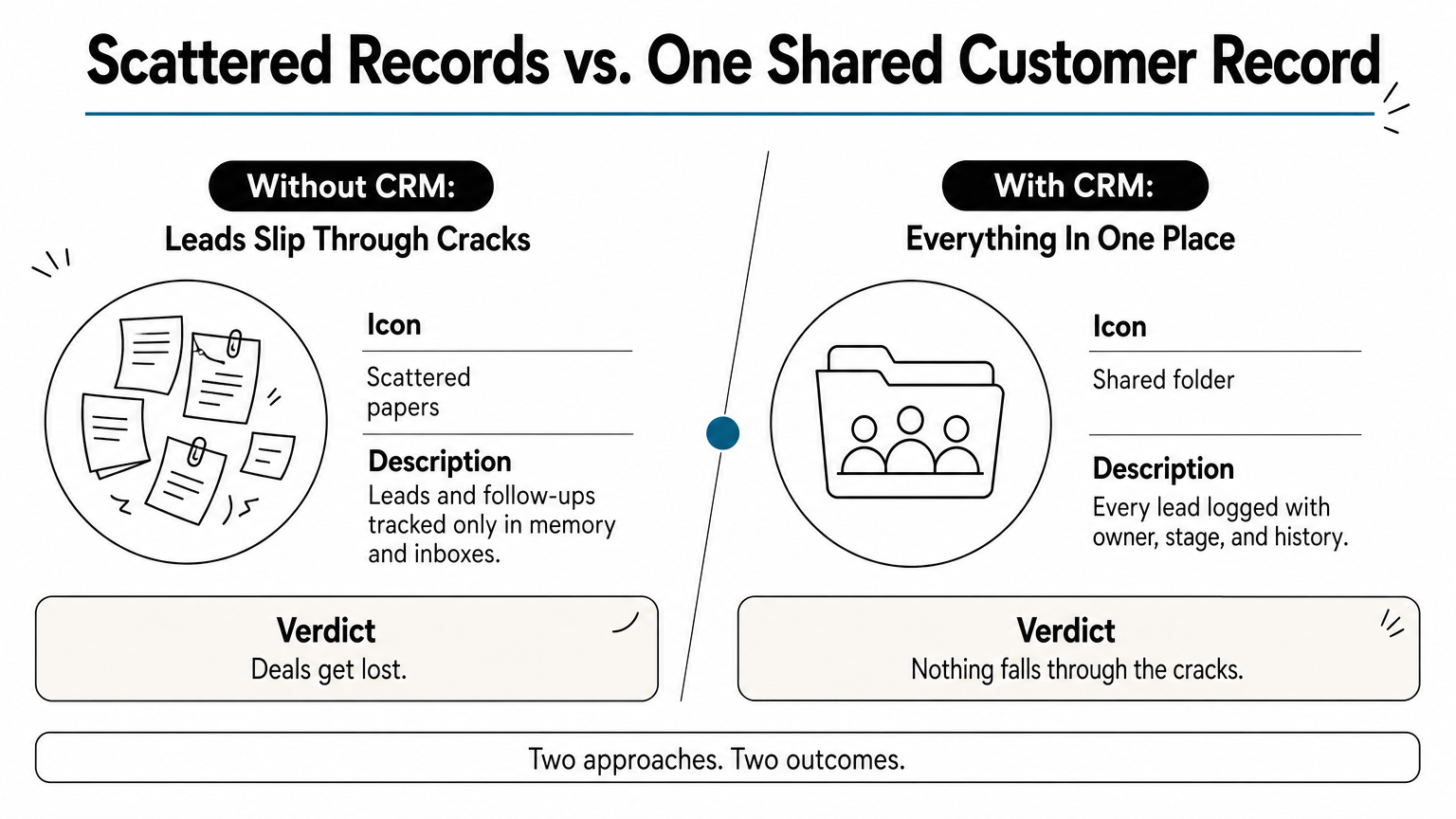
Businesses without a CRM lose deals not because their product is weak, but because follow-ups fall through the cracks. A lead comes in on Friday, the rep who handled it is out Monday, and nobody else knows the conversation ever happened. CRM software solves this by making every interaction visible to the whole team, not just the person who took the call. That visibility alone is often the single biggest reason sales teams adopt one.
A CRM doesn’t create more customers, it stops you from losing the ones you already have in the pipeline.
What changes once the data is centralized
Once customer data sits in one system, three things happen almost immediately. Managers get a real view of the sales pipeline instead of relying on verbal updates in a Monday meeting. Reps spend less time hunting for context before a call, because the full history is right there. Support staff can see a customer’s purchase and communication record without pinging sales for background. This is the practical answer to what does CRM software do: it removes the friction between departments that all need the same customer information but rarely had a shared place to find it.
The measurable business impact
Beyond convenience, a CRM changes numbers that owners actually care about. Response times to new inquiries drop because reminders and task assignments happen automatically instead of relying on memory. Deal visibility improves because every stage of a sale, from quote to signed contract, is tracked in a pipeline view rather than buried in email threads. Reporting becomes trustworthy because it pulls from actual recorded activity, not a rep’s end-of-month recollection.
| Without CRM software | With CRM software |
|---|---|
| Leads tracked in scattered spreadsheets or memory | Every lead logged with owner, stage, and history |
| Follow-ups depend on individual reps remembering | Automated reminders and task assignment |
| Managers guess pipeline health from meetings | Real-time dashboard of open deals and stages |
| Customer history lives in one person’s inbox | Shared record visible to sales, service, and finance |
| Reporting relies on manual compilation | Reports generate from live, recorded activity |
Why this matters more for growing South African businesses
South African SMEs often run lean, with one person covering sales, admin, and sometimes finance, which is why business software built for South African operations tends to focus on control and visibility first. That’s exactly the situation where a CRM system software setup pays off fastest, because it removes dependency on any single person’s memory or availability. If that person is out sick or leaves the business, the customer relationships don’t leave with them; the record stays intact and usable by whoever picks up the account next. For businesses juggling multiple branches, agents, or a mobile sales team, the same shared record means head office isn’t waiting on WhatsApp updates to know what’s happening in the field.
Growth also exposes gaps that a spreadsheet-based approach can hide for a while. A business handling ten active clients can survive on memory and goodwill. A business handling two hundred active clients across multiple industries cannot, and that’s usually the point where owners start searching for what CRM software actually is and whether it’s worth the switch. Platforms like QuikeFix Enterprise ERM are built around this exact problem: instead of adding a standalone CRM as another disconnected tool, a platform that unifies CRM, sales, service and finance connects the customer record directly to every department, so the data you capture on day one keeps paying off as your operation expands.
How CRM software works
Underneath the interface, a CRM system runs on three connected layers: a database of contact and company records, a pipeline that tracks where each deal or ticket sits, and an automation layer that handles the repetitive parts of follow-up. Understanding crm in software terms this way makes the whole thing less abstract. It’s not a mysterious black box, it’s a structured database with rules attached, built so that customer information stays consistent no matter who’s typing it in.

Capturing and organizing customer data
Every interaction gets logged against a single customer record: the initial inquiry, the quote sent, the call notes, the signed agreement, and any support ticket that follows. CRM software tags each record with a stage, an owner, and a timestamp, so a manager can filter the entire database by "deals stuck for more than 14 days" or "clients who haven’t been contacted this month." This structured approach is the actual crm software definition in practical terms: a rules-based system for organizing customer data, not just a digital rolodex.
Automating the busywork
Once data sits in a structured system, automation becomes possible. A CRM can trigger a reminder the moment a quote sits unanswered for three days, assign a new lead to the next available rep automatically, or send a follow-up email template without anyone lifting a finger. Typical automated actions include:
- Lead assignment based on territory, product line, or rep availability
- Follow-up reminders when a deal hasn’t moved stage in a set number of days
- Status updates sent to customers automatically at key milestones
- Internal alerts when a high-value deal stalls or a support ticket ages past its SLA
The real value of a CRM isn’t storing data, it’s the automation that acts on that data before a human remembers to.
Connecting to the rest of the business
A CRM that only talks to itself has limited value. The stronger setups connect the customer record to quoting, invoicing, and service delivery, and add quotation, margin and credit approval workflows, so a sales rep’s closed deal automatically becomes a job for operations and a line item for finance, without anyone re-typing the same information three times. This is where customer relationship management software stops being a sales-only tool and starts functioning as the connective layer between departments. In a platform like QuikeFix Enterprise ERM, that connection is built in from the start: a customer captured in CRM flows straight into the commercial and finance areas of the platform, so the record you build during the sales conversation still drives invoicing and service tracking months later, instead of living in a tool nobody outside sales ever opens.
Types of CRM software and key features to look for
Not every CRM software setup solves the same problem, and picking the wrong type wastes time and budget. Broadly, vendors group CRM tools into three categories: operational, analytical, and collaborative. Knowing which one you actually need before you start comparing vendors saves you from buying a reporting-heavy tool when what your sales team really needs is better pipeline tracking.
The three main types
Operational CRM handles the day-to-day work: logging calls, tracking deals, sending quotes, and automating follow-ups. Analytical CRM leans on the same data but focuses on reporting, forecasting, and spotting trends across large customer bases. Collaborative CRM prioritizes shared visibility across departments, so sales, support, and finance all work off the same customer timeline instead of separate silos. Most customer relationship management software on the market today blends all three to some degree, but the balance shifts depending on what the vendor built the product for.
| Type | Best for | Typical strength |
|---|---|---|
| Operational | Sales teams needing daily task tracking | Pipeline management, automation |
| Analytical | Businesses with large customer volumes | Forecasting, trend reporting |
| Collaborative | Multi-department operations | Shared records across teams |
Features that actually matter
Rather than chasing every feature on a vendor’s brochure, focus on the handful that determine whether the system gets used or abandoned within six months. A cluttered tool with fifty features nobody touches is worse than a simple one your team actually opens every day.
The best CRM feature list is short enough that your team can name every item on it without checking the manual.
When evaluating options, check for:
- Contact and deal tracking with clear stage visibility, so anyone can see where a lead sits without asking
- Automated reminders and task assignment, not just manual note-taking
- Mobile access, especially if reps or field agents work outside the office
- Reporting dashboards that update from live data instead of requiring manual exports
- Integration with quoting, invoicing, or service tools, so the record doesn’t dead-end after the sale
Standalone tools versus connected platforms
Quite a few businesses buy a standalone CRM, get it working, then discover the customer data still doesn’t reach finance or operations without manual re-entry. That gap is exactly why standalone CRM tools eventually feel limiting for growing businesses. Given how the CRM works alongside quoting and invoicing (as covered above), it makes sense to weigh whether a standalone tool or a connected platform fits your operation better before committing budget to either. Platforms like QuikeFix Enterprise ERM take the connected route deliberately, building the customer record into the same system that handles sales, service, and finance, so you’re not stitching integrations together after the fact just to get one clean view of a customer.
CRM software use cases across industries
Ask five different business owners what is CRM software used for and you’ll get five different answers, because the core system flexes to fit whatever industry runs on top of it, as these real examples of CRM software in use show. A freight company tracks shipments and vendor compliance through the same customer record a retail business uses to track repeat orders. The underlying structure barely changes; what changes is which fields matter and which automations fire.

Freight, clearing, and transport operations
Freight forwarders and customs clearing agents need a CRM system software setup that tracks a customer relationship from quotation through to job close, not just from first call to signed contract. A single client might generate dozens of shipments a year, each with its own documents, milestones, and SLA terms. Here, CRM data has to connect directly to job tracking, so a rep quoting a new job can see the client’s full shipment history, outstanding invoices, and any compliance flags before hitting send. Freight forwarding and clearing ERP software like QuikeFix Freight ERP was built around exactly this pattern, keeping the customer record tied to rates, bookings, cargo tracking, and finance in one workflow instead of a separate sales tool bolted onto operations.
Retail, service, and repeat-business models
Businesses selling to the same customers repeatedly, whether that’s a service provider on contract or a retailer with loyalty customers, lean on CRM data to spot patterns: who’s due for a renewal, who hasn’t ordered in ninety days, who complained last month and needs a proactive check-in. Automated reminders here do quiet, unglamorous work. A renewal reminder sent two weeks early recovers revenue that would otherwise lapse silently.
The industries that get the most value from CRM software are the ones where a forgotten follow-up costs real money, not just a missed opportunity.
Professional services and B2B sales teams
For consultancies, IT service providers, and B2B sales teams, the CRM’s job shifts toward pipeline discipline: tracking proposals, contract stages, and account handovers when a project moves from sales to delivery. This is where customer relationship management software earns its keep by preventing the awkward moment where a new client signs a contract and then waits a week because nobody told the delivery team.
Across industries, the common thread looks like this:
| Industry | Primary CRM use |
|---|---|
| Freight and clearing | Quote-to-job tracking, compliance flags, repeat shipment history |
| Retail and repeat services | Renewal reminders, purchase history, loyalty tracking |
| Professional services / B2B | Proposal stages, contract handover, account continuity |
| Warehousing and vendors | Vendor onboarding history, chain-of-custody records |
Whatever the industry, the pattern repeats: a shared record beats scattered notes, and the businesses that connect that record to operations get more out of it than those running CRM as an island.
Bringing it all together
At this point, the CRM software definition should feel less abstract and a lot more practical. It’s a shared record of every customer interaction, backed by automation that chases follow-ups so your team doesn’t have to remember them, and connected (when built well) to the sales, service, and finance work that happens after the deal closes. That last part is what separates a tool your team abandons after six months from one that actually changes how the business runs.
Before you commit budget to another standalone app, weigh whether your business needs a CRM that talks to the rest of your operation, not just your sales team. Freight companies, service providers, and growing SMEs all hit the same wall once customer data outgrows a spreadsheet. If you want to see what a connected setup looks like in practice, take a closer look at the QuikeFix Enterprise ERM unified business management platform and get a straight answer on whether it fits how your business actually works.